Top 10 Tips and Tricks to Master FC Manager 26

FC Manager 26 lets you build a football club, sign real players, and compete in live leagues where smart decisions matter more than quick reactions. The tips below focus on the menus and systems you already see in game so you can turn a modest squad into a consistent performer.
Tip 1 – Start with a simple, balanced tactic
Begin with a balanced formation such as 4‑3‑3 or 4‑2‑3‑1 and avoid highly aggressive or ultra defensive systems at first. Combine this with safe strategic instructions like Hold the Ball or Play the Channels to reduce risky turnovers while you get used to how your team behaves.

Tip 2 – Field your best XI in natural positions
On the Tactics screen your highest rated player can sometimes start on the bench, which the tutorial already points out. Drag every strong card into the starting XI, but only into positions that match their natural roles on the mini pitch in the player profile to avoid rating penalties.

Tip 3 – Use player roles that match individual strengths
Roles such as Wingback, Ball Playing Defender, Stopper, Box to Box Midfielder, Playmaker, and General Midfielder change how each player acts during matches. Keep most defaults but adjust clear cases, for example turning a composed defender into a Ball Playing Defender or making your most creative midfielder a Playmaker so that role reflects their attributes.

Tip 4 – Schedule one focused training session each day
Team Training allows you to pick Squad Focus, Position Focus, and Intensity for your sessions. Use Medium intensity on Lineup plus Reserves once per in game day to gain XP and level ups while limiting injuries and heavy fitness loss.

Tip 5 – Read the Training Report and adjust focus
After training, the Training Report summarises fitness changes, level ups, and which players are improving. If defenders rarely level up, set Position Focus to Defence next time, while frequent attacking drills are better if you need more goals from forwards and attacking midfielders.

Tip 6 – Use Match Preview as a pre game checklist
Tap the Upcoming Fixture tile on the home screen to open Match Preview before every league game. The Overview and Preparation tabs show opponent OVR, your preparation level, average fitness, injuries, and morale, and the Assistant Manager highlights anything that needs attention so you can fix it in advance.

Tip 7 – Let match stats and highlights guide tactical changes
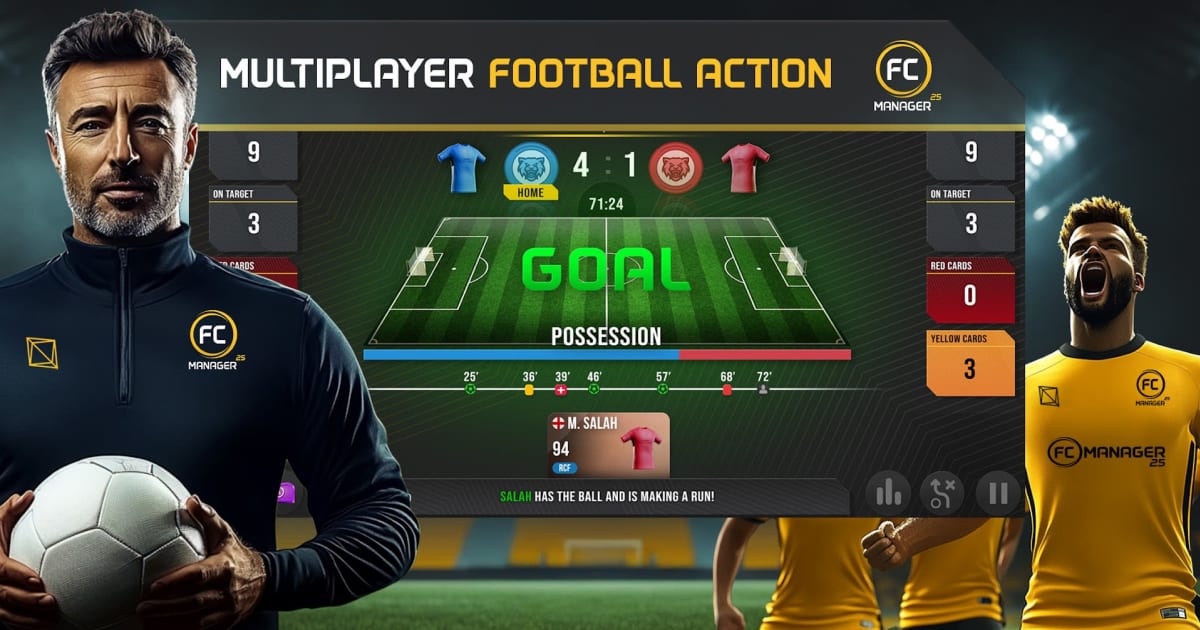
During and after matches you can view detailed statistics covering possession, shots, shots on target, corners, and cards. If you see high possession with few shots, move from Hold the Ball to more direct instructions such as Play the Channels or All Out Attack, while a high number of shots conceded suggests a more cautious approach and additional defensive training.

Tip 8 – Farm objectives for early cash and energy
Objectives provide regular rewards through One Time, Daily, and Seasonal tasks. Simple actions like changing your starting XI, setting up team training, making a substitution in a live match, or signing a scouted player all grant cash, energy, or premium currency once you remember to claim them.

Tip 9 – Use Scouting filters to find value transfers
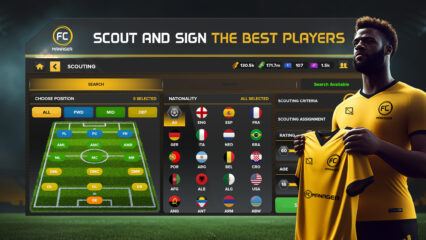
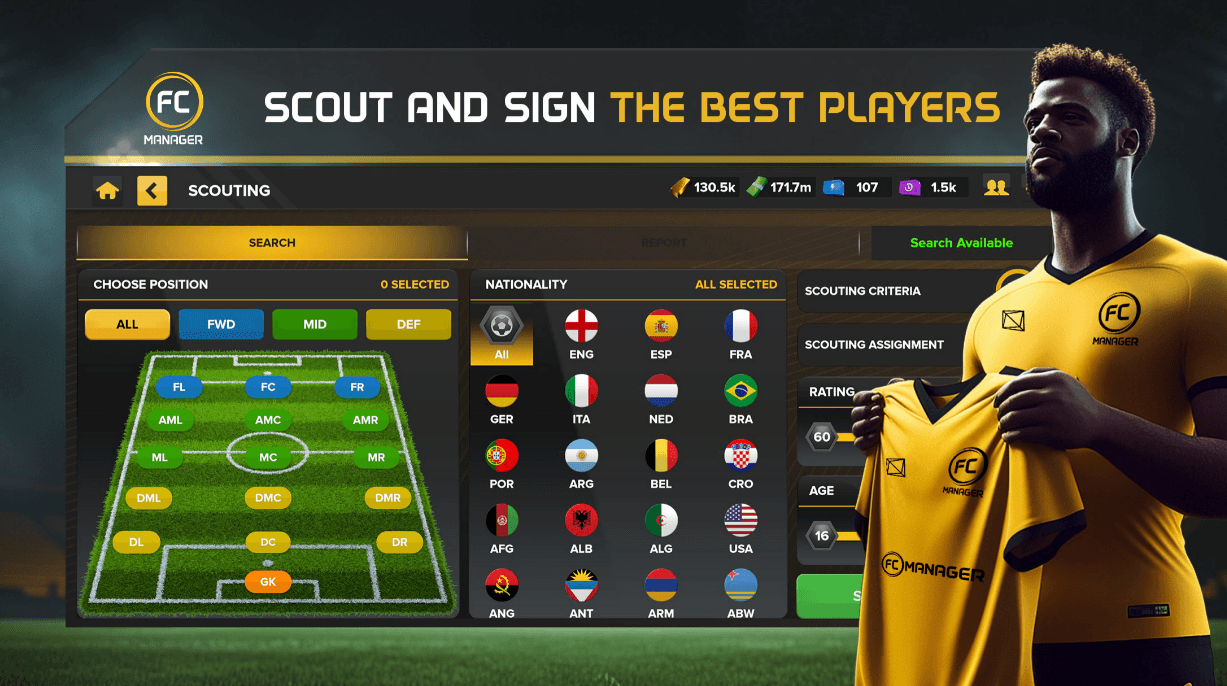
In the Transfers hub, Scouting lets you search by position, nationality, rating, and age before you see any players. The report, such as the one that lists João Félix and Ivan Toney with rating and potential numbers plus cost, helps you compare value and avoid buying bundles when the Insufficient Currency popup appears.

Tip 10 – Monitor condition and morale before every key match
Player profiles show condition, morale, injury status, suspension status, and performance statistics. Aim to keep starters around or above 90 percent condition with at least Good morale, using fitness and morale boosts only for important fixtures and rotating tired or unhappy players when possible.

Mastering FC Manager 26 is less about finding a single overpowered tactic and more about making steady, informed decisions in every menu. If you keep a balanced formation, train with purpose, prepare for each match through Match Preview, and use Scouting rather than impulse purchases in Spotlight, your club will grow stronger with every season and you will see more consistent results in league fixtures. For the best gaming experience, play FC Manager 26 on BlueStacks!