How to Install and Play OTR 2 on PC with BlueStacks
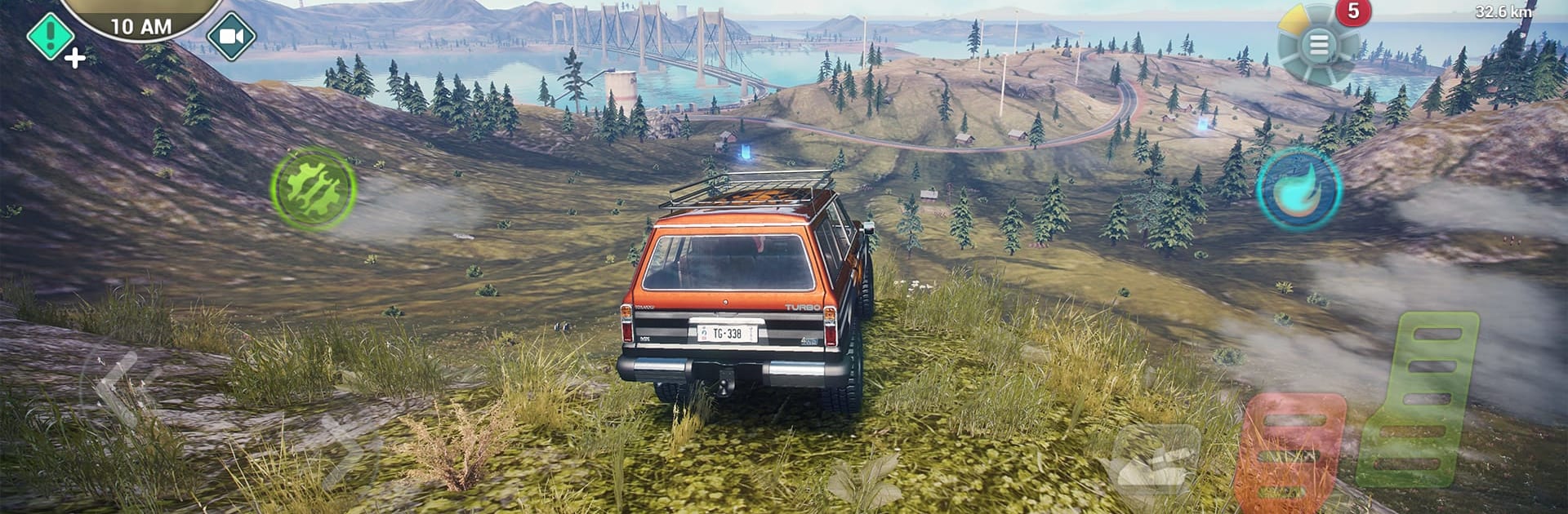
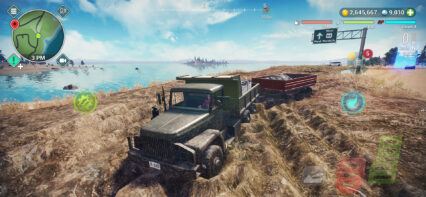
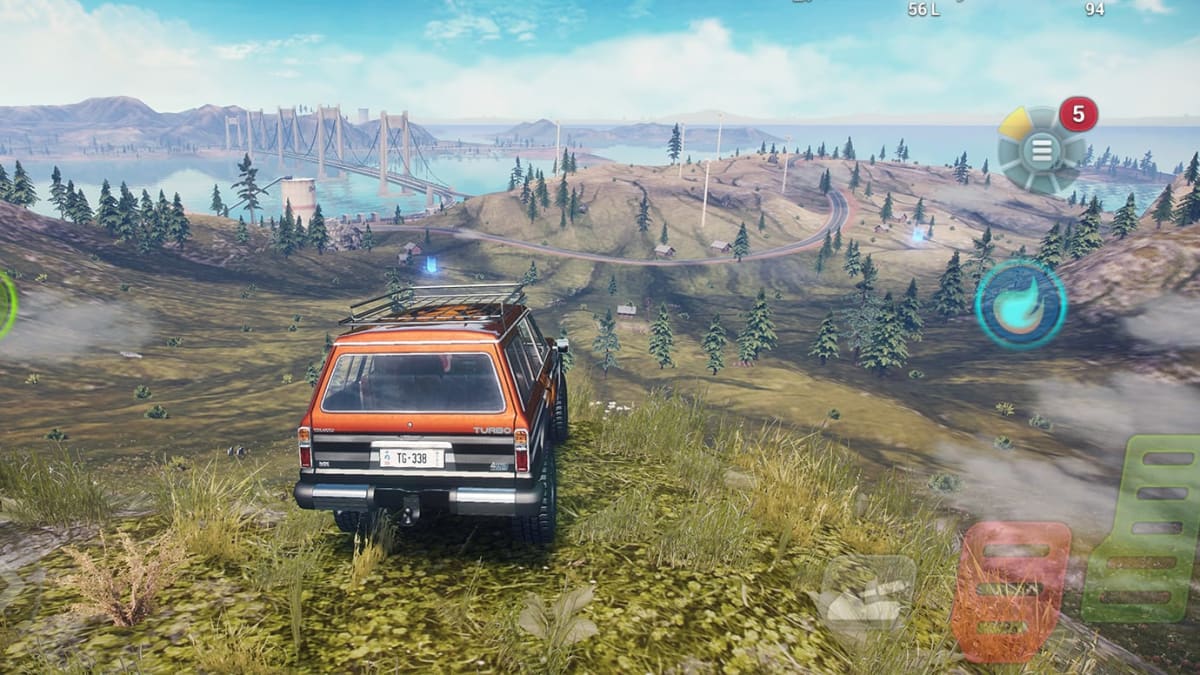
OTR 2 is an open-world racing and vehicle simulator from DogByte Games. The game brings back the off-road fun of the original, but with a much larger map, more vehicles, and more ways to play. You can drive 4×4 trucks, race supercars, fly planes and helicopters, or ride across the water in powerboats.
The game also includes offline play, missions, vehicle damage, mud effects, day and night changes, and online multiplayer for up to 6 players. If you like games where you can roam freely, test vehicles, complete tasks, and mess around with friends, OTR 2 gives you plenty to enjoy.
How to Install OTR 2 on PC
- Go to the game’s page, and click on the “Play OTR 2 on PC” button.
- Find the downloaded file in your browser’s downloads section and open it.
- Follow the setup steps to install BlueStacks, then launch it on your PC or Mac.
- Sign in to the Google Play Store, install OTR 2 when it is available, and start playing.
How to Install OTR 2 on Mac with BlueStacks Air
- Download BlueStacks Air: Go to the game’s page and click on the “Play OTR 2 on Mac” button to get the installer.
- Install BlueStacks Air: Double-click the BlueStacksInstaller.pkg file and follow the setup wizard.
- Launch and Sign In: Open BlueStacks Air from Launchpad or the Applications folder, then sign in with your Google account.
- Install OTR 2: Search for OTR 2 in the Play Store and install it once it is available.
- Enjoy Playing: Open the game and start your off-road journey.
Already Have BlueStacks? Here’s What To Do
- Go to the game’s page, and click on the “OTR 2 on PC” button.
- Open BlueStacks on your PC or Mac.
- Install OTR 2 through the BlueStacks Store or Google Play Store once it is ready.
- Start playing and try your favorite vehicles.
Minimum System Requirements
BlueStacks can run games like OTR 2 on many PCs and Macs, including shared or lower-end devices, as long as they meet these basic needs:
- OS: Microsoft Windows 7 and above, macOS 11 (Big Sur) or above
- Processor: Intel, AMD Processor, or Apple Silicon Processor (M1-M4)
- RAM: Your PC or Mac must have at least 4GB of RAM
- Storage: 10GB Free Disk Space
- Permissions: Administrator access on your PC or Mac.
- Graphics drivers: Up-to-date graphics drivers from Microsoft or the chipset vendor.
OTR 2 is a great pick for players who enjoy freedom more than strict racing rules. You can take on missions, earn rewards, upgrade your vehicles, or just ride across mountains, highways, deserts, oceans, and rough trails. The game also lets you change paint, decals, and performance settings with its Livery Editor, so your vehicles can feel more personal.
Playing OTR 2 on PC or Mac with BlueStacks can make the game feel easier to control. A bigger screen helps you see the road, water, and terrain more clearly, while keyboard and mouse controls can make driving, flying, and turning feel smoother than tapping on a small phone screen. This can be helpful during races, deliveries, and long off-road runs where every move matters.