How to Install and Play Where Winds Meet on PC with BlueStacks
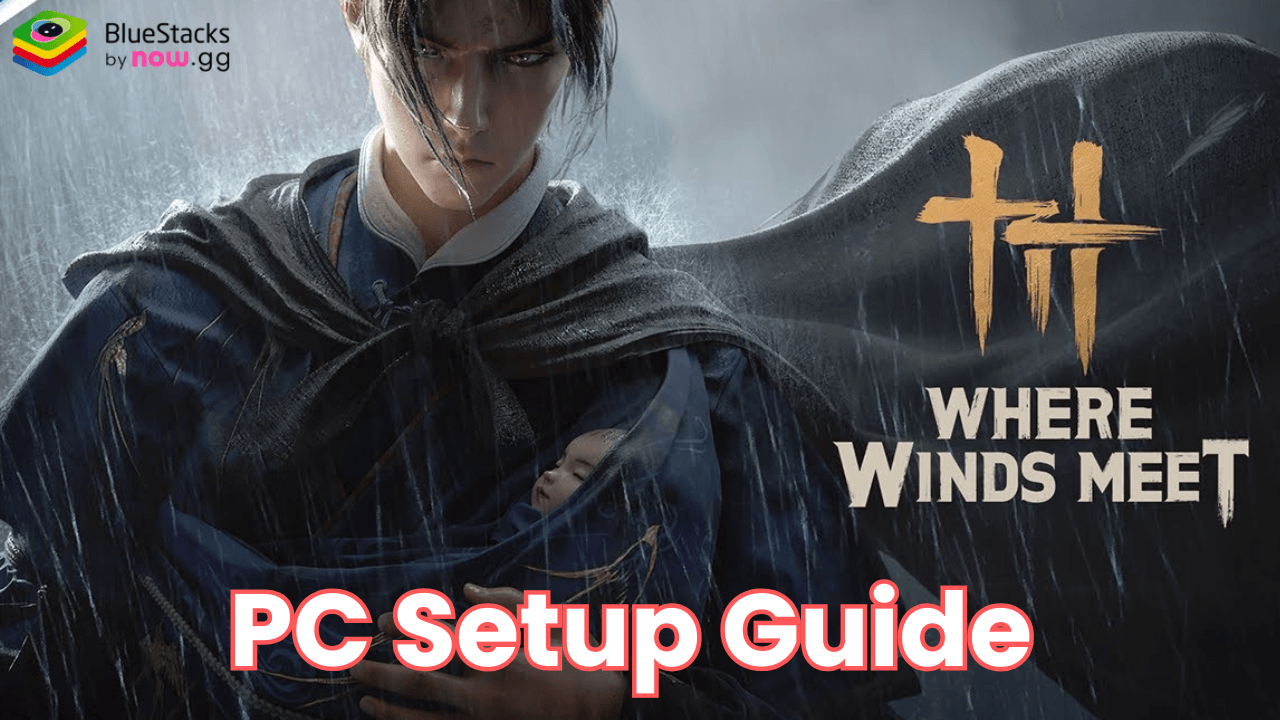

Where Winds Meet is an action-packed, open-world RPG set during China’s Five Dynasties and Ten Kingdoms era. Now, you can immerse yourself in a breathtaking land full of war, power struggles, and heroic tales. So, feel free to step into the shoes of a young martial artist, master the art of Wuxia combat, and explore the cultural richness of this vibrant world. From tranquil countryside to treacherous canyons, every moment holds secrets and challenges that shape your story.
Explore stunning locations, from serene countryside to lively cities and mysterious caves. Each area presents new challenges, hidden stories, and valuable rewards, ensuring that no two adventures are the same. As you interact with NPCs and make critical choices, your journey will unfold in ways shaped by your decisions.
How to Install Where Winds Meet on PC
- Go to the game’s page, and click on the “Play Where Winds Meet on PC” button.
- Open the file from your browser’s downloads section.
- Install BlueStacks and launch it on your PC or Mac.
- Sign in to the Google Play Store, install the game, and start playing.
How to Install Where Winds Meet on Mac with BlueStacks Air
- Download BlueStacks Air: Go to the game’s page and click on the “Play Where Winds Meet on Mac” button to get the installer.
- Install BlueStacks Air: Double-click the BlueStacksInstaller.pkg file. Follow the wizard to complete the installation.
- Launch and Sign-In: Open BlueStacks Air from the Launchpad or Applications folder. Sign in with your Google account to access the Play Store.
- Install Where Winds Meet: Search for Where Winds Meet in the Play Store and install it.
- Enjoy Playing! Launch the game and start playing!
For Those Who Already Have BlueStacks Installed
- Go to the game’s page, and click on the “Where Winds Meet on PC” button.
- Launch BlueStacks on your PC or Mac
- Install the game from the BlueStacks Store or Google Play Store.
- Start Playing!
Minimum System Requirements
BlueStacks offers the best performance and graphics for games like Where Winds Meet, boasting highly accessible PC or Mac requirements:
- OS: Microsoft Windows 7 and above, macOS 11 (Big Sur) or above
- Processor: Intel, AMD Processor or Apple Silicon Processor (M1-M4)
- RAM: Your PC or Mac must have at least 4GB of RAM
- Storage: 10GB Free Disk Space
- Permissions: Administrator access on your PC or Mac.
- Graphics drivers: Up-to-date graphics drivers from Microsoft or the chipset vendor.
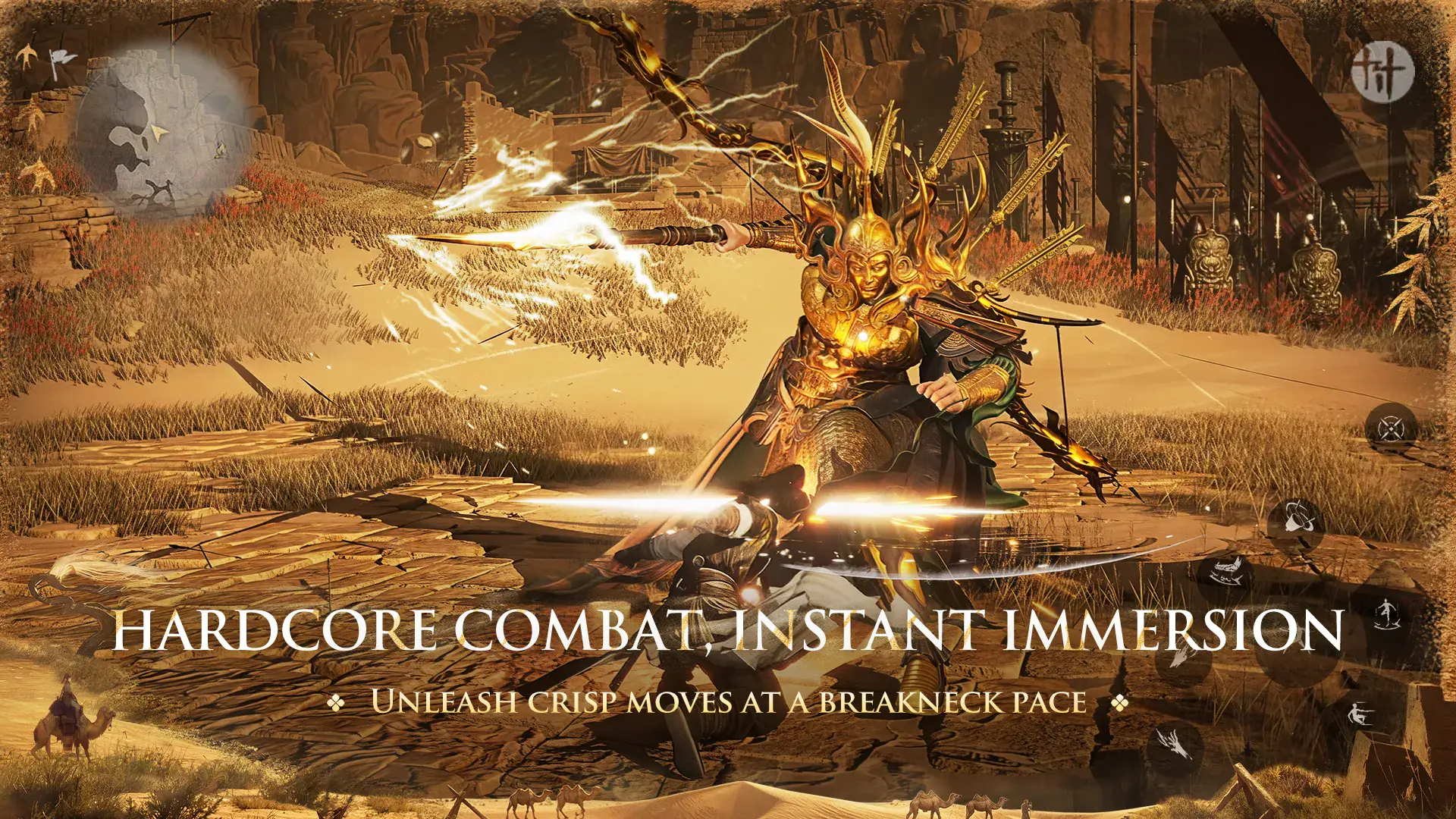
Where Winds Meet offers an unparalleled journey through a vast open world. Whether you are a fan of martial arts, immersive exploration, or strategic combat, this game has something for you. The Wuxia combat system brings realism and variety to battles so that you can wield weapons like long swords, twin blades, and bows. You can also master epic techniques such as Tai Chi, Acupuncture Hitting, and Lion’s Roar to become a martial arts legend.
Playing Where Winds Meet on PC with BlueStacks lets you enjoy the game’s captivating world on a larger screen with enhanced graphics and performance. Use your keyboard and mouse to experience precise controls during combat so that every move and combo feels fluid and responsive.