Arknights Endfield Twitch Drops Event 2026 Rewards, Timings, and more
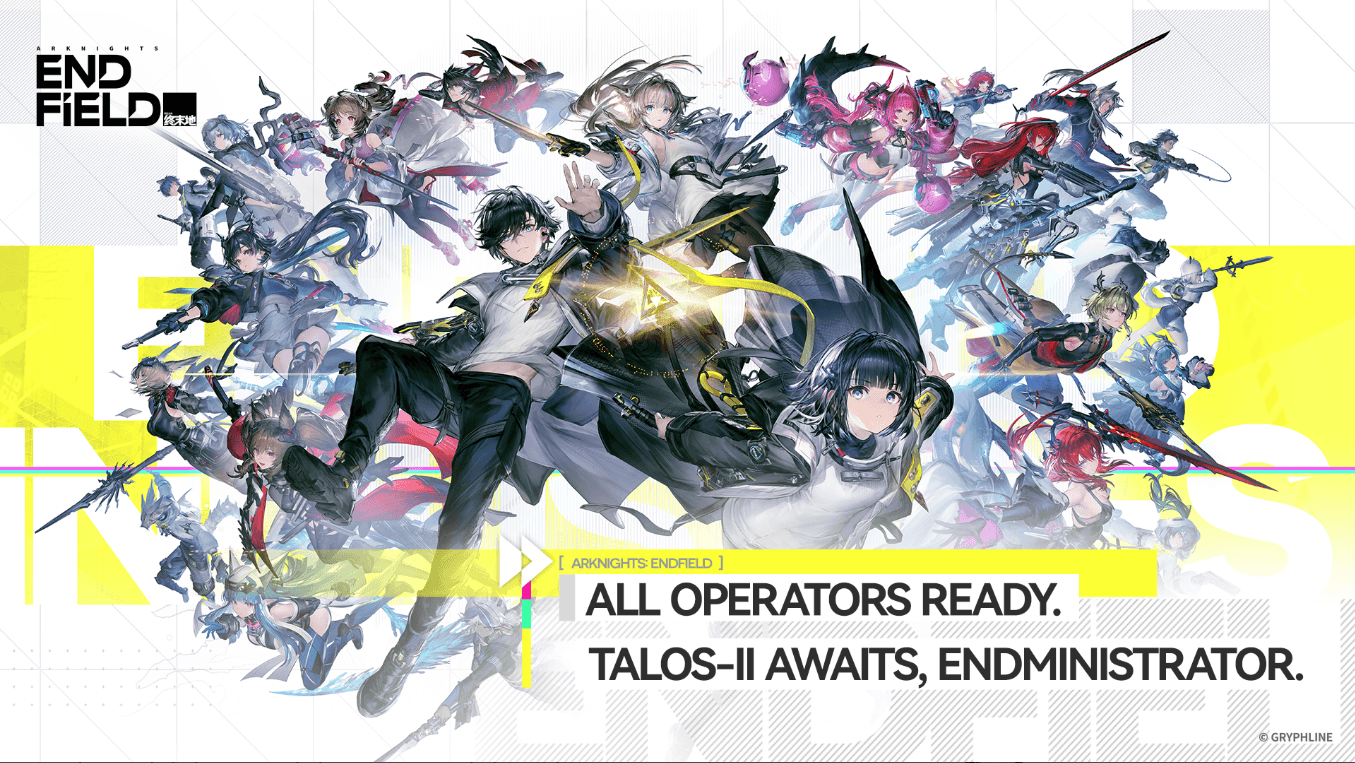
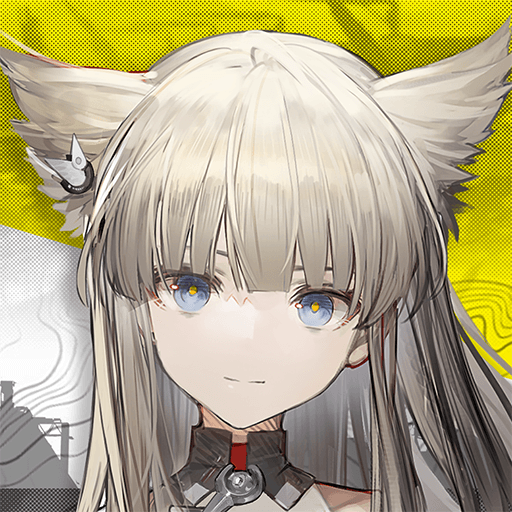
The global launch of Arknights: Endfield has finally arrived, bringing the ambitious 3D strategy RPG from GRYPHLINE to fans everywhere. The announcement of the recent Twitch Drops Event shook the player base as nobody was expecting a streaming-based event with the game so new. By simply tuning into your favorite creators, you can secure essential materials to help your Endministrator get a head start. This event is currently live and scheduled to run until February 18, 2026, offering a generous window to participate.
Preparing your Arknights: Endfield Account for the Twitch Drops Event
Before you participate in this Twitch Drops event, you will need to fulfill some requirements. Unlike some games where you can link accounts immediately, Arknights: Endfield requires you to establish your presence on Talos-II first. You must play through the initial tutorial until you reach the point where you select and name your character. If you try to link your account before naming your protagonist, you might find the login buttons unresponsive or the character selection menu empty.
Once your character is named and ready, head over to the official Arknights: Endfield event page. Log in using your game credentials and look for the Switch Character option located under the game logo. This step is vital because it tells the system exactly which player should receive the loot. After assigning your character, click the login section to connect your Twitch account. If you do not have a Twitch account yet, you can set one up in a few minutes on their official site. Remember that each game account can only be tied to a single Twitch profile for the duration of the event.

Arknights: Endfield Twitch Drops Event Rewards and Watch Time Criteria
The rewards for this event are tiered based on how long you watch participating streams. You do not have to watch all two hours in one sitting; Twitch tracks your progress cumulatively across any eligible stream. Here is the breakdown of what you can earn:
- Watch for 15 minutes: Get 10,000 T-Creds. These are your foundational currency for various transactions.
- Watch for 30 minutes: Get 15 I-Combat Records. These are essential for leveling up your characters and keeping them battle-ready.
- Watch for 60 minutes: Get 3 Arms INSP Sets. These will help you enhance your weaponry for tougher encounters.
- Watch for 90 minutes: Get 10 E-Cognitive Carriers. These specialized resources are great for advanced progression.
- Watch for 120 minutes: Get 150 Oroberyl. This is the premium currency everyone is after, as it helps you with headhunting new characters to join your squad.
Which Streams to Watch to Get the Rewards?
To ensure your time counts toward these rewards, you need to watch streamers who are part of the Arknights: Endfield category on Twitch. Look for titles that include tags like DropsEnabled or Drops. Most creators participating in the launch will have these clearly marked. When you enter a stream, a small dialogue box usually appears at the top of the chat window confirming that you are earning progress toward the Endfield campaign. You can always check your progress in real-time by visiting the Drops and Rewards section of your Twitch profile.

How to Claim your Rewards from the Twitch Drops Event?
Once you hit a time milestone, you must manually claim the reward on Twitch. You can do this through the profile section under Drops Inventory or by clicking the notification that pops up in your Twitch inbox. After you click claim, the items are typically sent to your in-game mailbox within 24 hours.
When you are back in the game, simply press K to open your mailbox and read your new letters to collect the items. It is a good habit to claim these as soon as you reach the milestone. Even though the event lasts until mid-February, Twitch rewards often have an expiration date a few days after the campaign concludes. To ensure your Oroberyl and T-Creds don’t go to waste, grab them while they are fresh in your inventory.
Players can enjoy playing Arknights: Endfield on a bigger screen of their PC or Laptop via BlueStacks along with your keyboard and mouse.