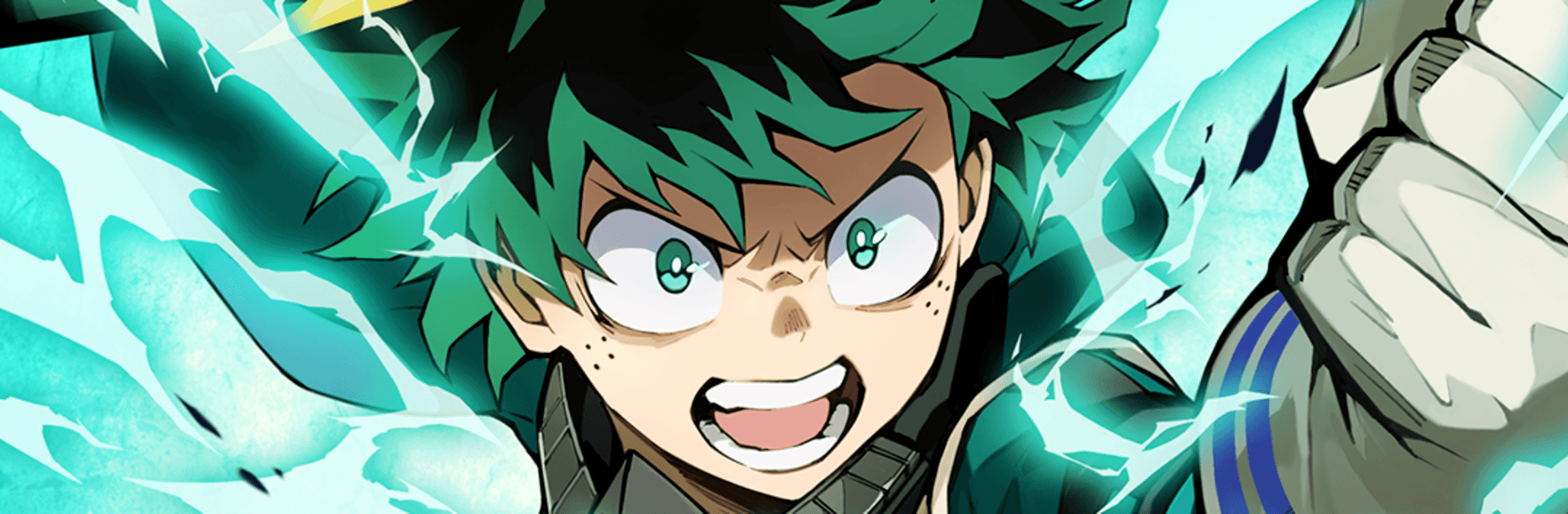


Bring your A-game to MHA: UNITED SURVIVAL, the Action game sensation from KLab. Give your gameplay the much-needed boost with precise game controls, high FPS graphics, and top-tier features on your PC or Mac with BlueStacks.
About the Game
MHA: UNITED SURVIVAL throws you into fast, chaotic Action where Quirks light up the screen and every brawl feels different. Build a compact squad, experiment with wild team synergies, and fight through waves of enemies that refuse to quit. It’s quick to pick up, surprisingly deep once you’re in, and a great fit whether you’ve got five minutes or an hour. Prefer playing on a bigger screen? It runs great on PC with BlueStacks, too.
Game Features
- Lightning-fast combat: Responsive controls and punchy effects keep fights snappy and satisfying, whether you’re dashing through mobs or timing that perfect counter.
- Three-person squads: Mix and match a trio of heroes and villains to create your own playstyle—burst damage, crowd control, survivability, or a bit of everything.
- Tag-team finishers: Trigger dramatic team attacks and ultimate techniques that feel tailor-made for big moments. Land them back-to-back for momentum that snowballs.
- Roguelite runs that evolve: Each run offers new upgrades and choices, pushing you to try fresh builds and strategies instead of sticking to one comfort pick.
- Quirk synergy made simple: Pair abilities that naturally complement each other—stuns setting up slams, shields feeding power moves—for results that feel clever, not complicated.
- Story beyond the anime: Play through familiar arcs and discover original storylines crafted just for the game, including special techniques you won’t see elsewhere.
- Pick-up-and-play depth: Short stages, clear goals, and bite-sized progression make it easy to hop in, while layered mechanics keep the ceiling high for dedicated players.
BlueStacks gives you more room to focus on the game and less time adjusting around mobile limitations.