Blood Strike: Football Fever

Blood Strike: Football Fever

Action

| NetEase Games

BlueStacks Verified

Play on PC with BlueStacks or from our cloud

  • Overview
  • Tips & Tricks
  • Game Features
  • How to Play

Page Modified On: June 11, 2026

Play Blood Strike: Football Fever on PC or Mac

Explore a whole new adventure with Blood Strike – FPS for all, a Action game created by NetEase Games. Experience great gameplay with BlueStacks, the most popular gaming platform to play Android games on your PC or Mac.

About the Game

Blood Strike – FPS for all is a fast, pick‑up‑and‑play Action shooter that throws you straight into chaotic firefights and keeps you there. Matches are quick, movement is slick, and every Striker brings a different twist to how you fight. Prefer a keyboard and mouse? It runs smoothly on BlueStacks too.

Game Features

  • Flexible Strikers, No Hard Roles: Build a squad without rigid class limits. Choose from a growing roster of unique Strikers, each with distinct perks that change how you push, flank, and clutch.

  • Gunplay That Feels Snappy: Designed for mobile-first precision with smooth aiming, clear recoil patterns, and movement tech like slide‑shooting. It’s responsive on a wide range of devices, so your reflexes—not your phone—do the talking.

  • Your Loadout, Your Rules: Tinker with 30+ weapons and attachments to craft a setup that fits your style. Mix and match builds, dual‑wield speedy SMGs, or even turn a marksman rifle into a rapid‑fire menace.

  • Four Core Ways to Fight: Jump into Battle Royale for last‑squad standing, Squad Fight for tight team skirmishes, Hot Zone for objective chaos, or Weapon Master to test every gun in the sandbox. Rotating modes keep things fresh.

  • Nonstop Action, Minimal Downtime: Quick respawns and smart redeploys keep you involved until the endgame. Less waiting, more clutch moments.

  • Built for Team Play or Solo Runs: Queue with friends to coordinate pushes and utility, or drop in solo and rely on your own instincts. Either way, the pacing rewards bold plays.

Start playing Blood Strike – FPS for all on BlueStacks and get a smoother, more comfortable PC or Mac setup.

Game Features

Enhancements

  • Shooting Mode
  • High FPS
  • Script
  • Free Look
  • Enhancements
Shooting Mode

Shooting Mode

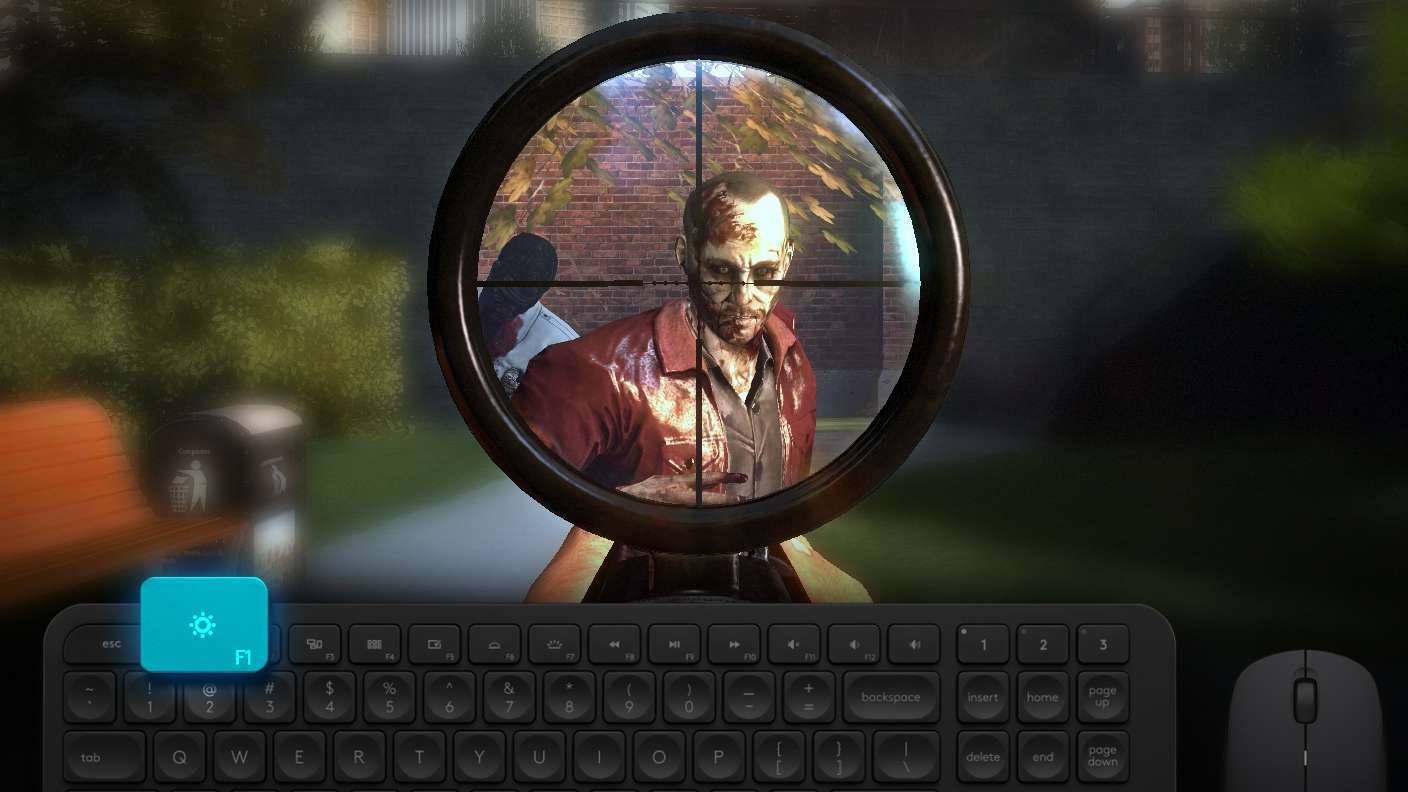
Boom, headshot. With BlueStacks Shooting Mode, experience PC-like gameplay when playing Blood Strike: Football Fever. Press F1 to aim and shoot with mouse.
High FPS

High FPS

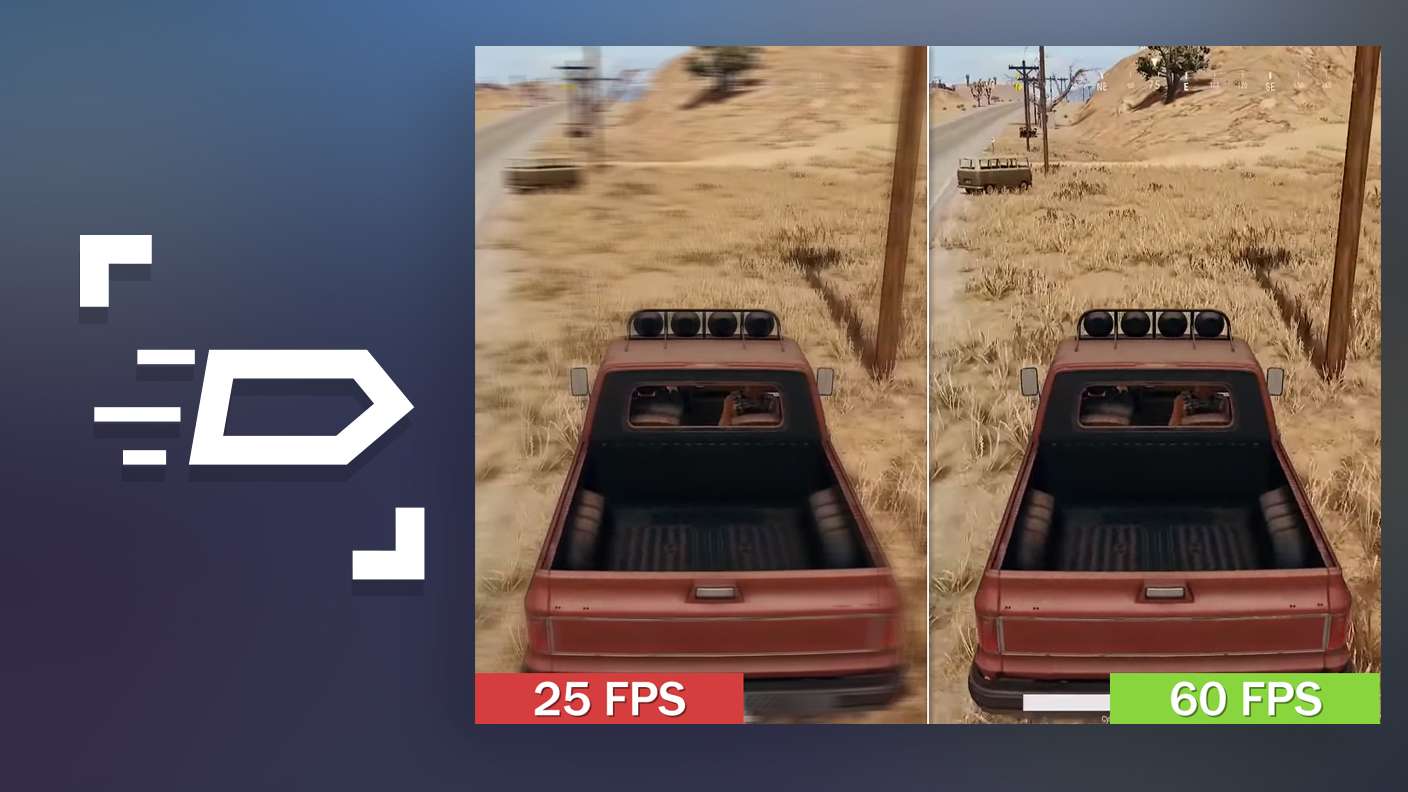
Enable the highest possible frame rate in Blood Strike: Football Fever for a seamless gaming experience. Get smoother graphics and better reaction time.
Script

Script

Play Blood Strike: Football Fever with the innovative Script feature. Create and run a script to fully automize a sequence of actions. Assign it a key to execute in one go.
Free Look

Free Look

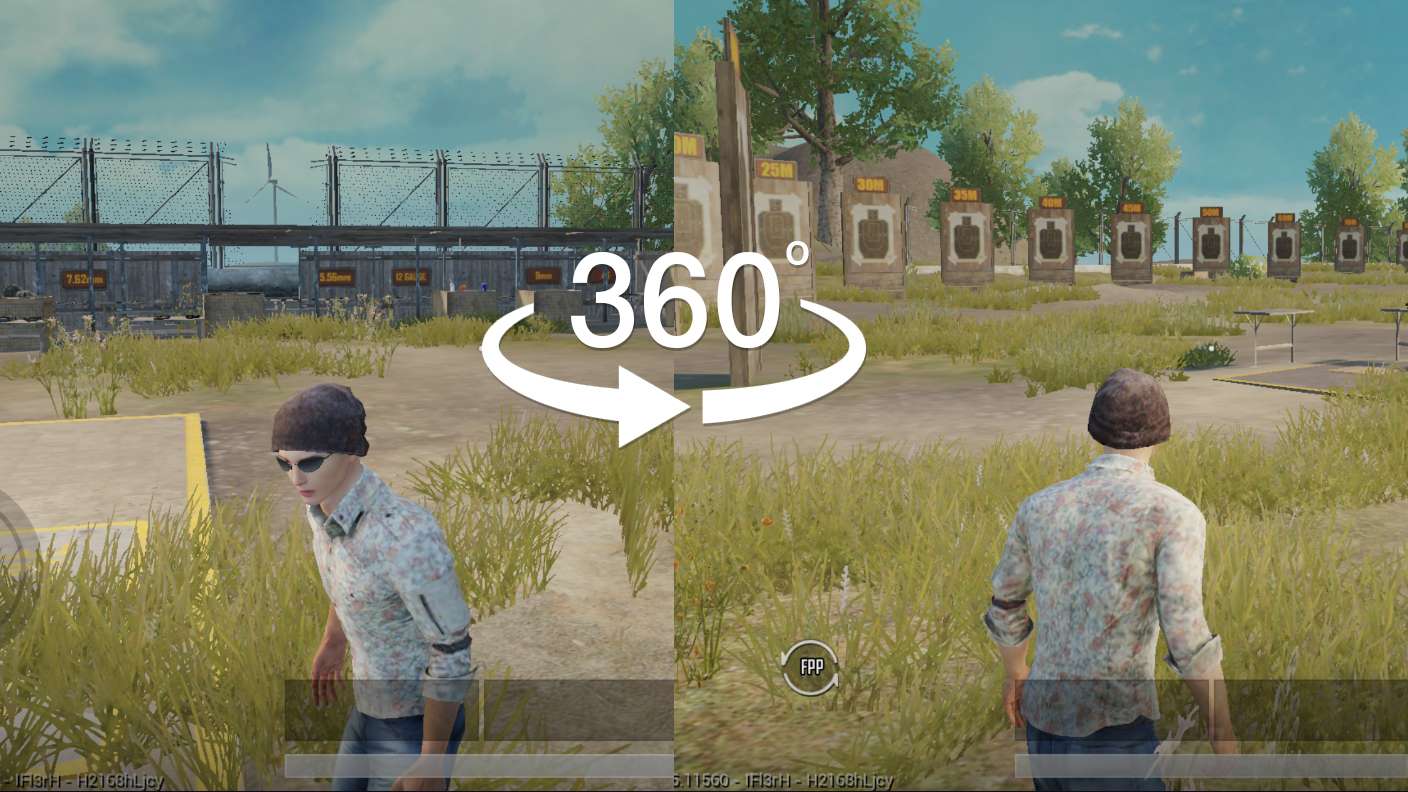
Turn and shoot in milliseconds. With Freelook, BlueStacks has always got your back. Rule Blood Strike: Football Fever and get more kills.
Read More

How to Download and Play Blood Strike: Football Fever on PC or Mac

  • Download and install BlueStacks on your PC or Mac

  • Complete Google sign-in to access the Play Store, or do it later

  • Look for Blood Strike: Football Fever in the search bar at the top right corner

  • Click to install Blood Strike: Football Fever from the search results

  • Complete Google sign-in (if you skipped step 2) to install Blood Strike: Football Fever

  • Click the Blood Strike: Football Fever icon on the home screen to start playing

video
Watch Video

Minimum System Requirements

With BlueStacks 5, you can get started on a PC that fulfills the following requirements.

  • Operating System

    Microsoft Windows 7 or above, macOS 11 (Big Sur) or above

  • Processor

    Intel, AMD or Apple Silicon Processor

  • RAM

    at least 4GB

  • HDD

    10GB Free Disk Space

Note:

* You must be an Administrator on your PC. Up to date graphics drivers from Microsoft or the chipset vendor.

Blood Strike: Football Fever - FAQs

  • How to play Blood Strike: Football Fever on Windows PC & Mac?

    Play Blood Strike: Football Fever on your PC or Mac by following these simple steps.

    • Click on 'Play Blood Strike: Football Fever on PC’ to download BlueStacks
    • Install it and log-in to Google Play Store
    • Launch and play the game.
  • Why is BlueStacks the fastest and safest platform to play games on PC?

    BlueStacks respects your privacy and is always safe and secure to use. It does not carry any malware, spyware, or any sort of additional software that could harm your PC.

    It is engineered to optimize speed and performance for a seamless gaming experience.

  • What are Blood Strike: Football Fever PC requirements?

    Minimum requirement to run Blood Strike: Football Fever on your PC

    • OS: Microsoft Windows 7 or above MacOS 11 (Big Sur) or above
    • Processor: Intel, AMD or Apple Silicon Processor
    • RAM: Your PC must have at least 4GB of RAM. (Note that having 4GB or more disk space is not a substitute for RAM)
    • HDD: 10GB Free Disk Space.
    • You must be an Administrator on your PC.