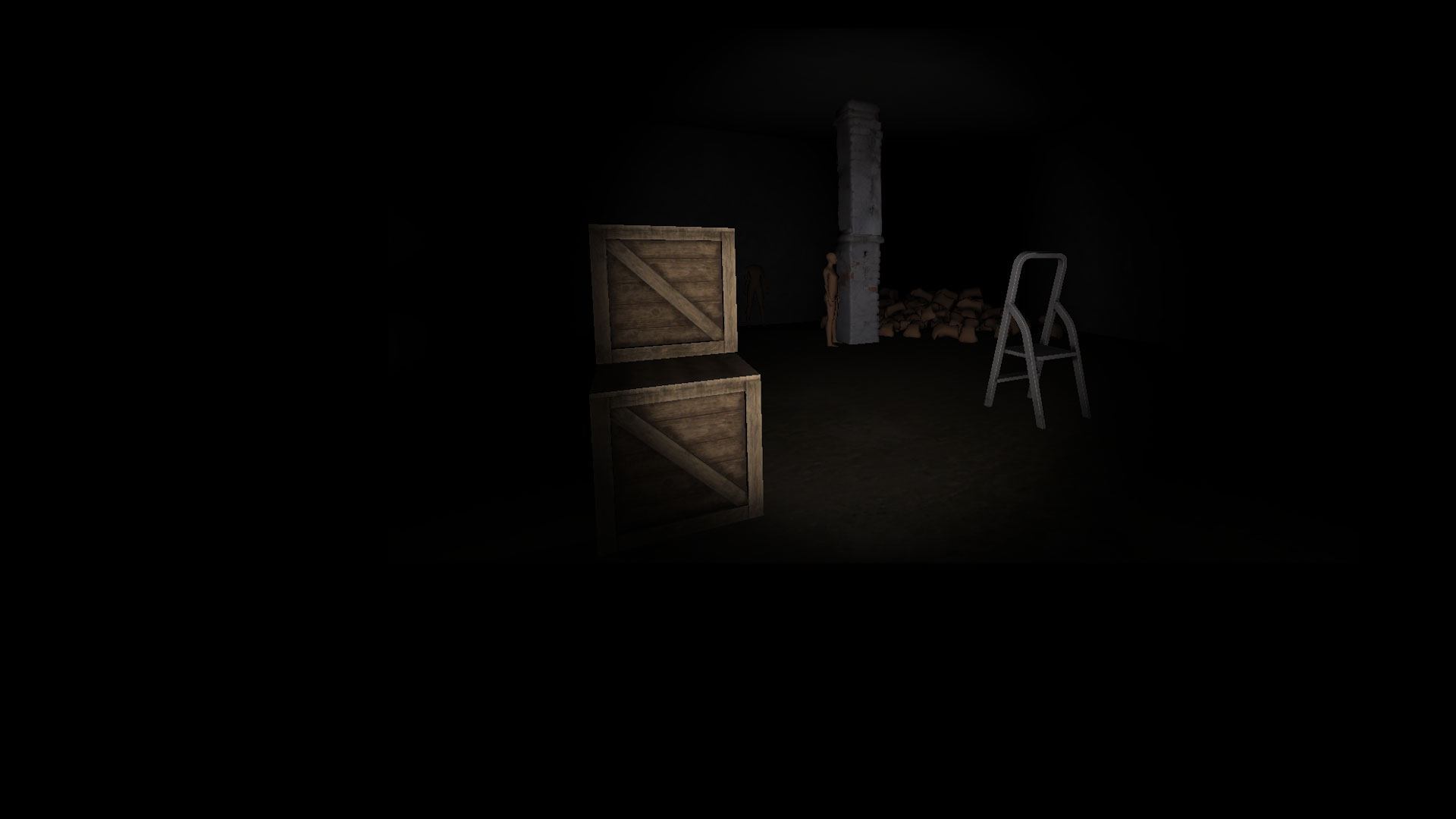
The Ghost - Co-op Survival Horror Game

The Ghost - Co-op Survival Horror Game

Action

| Gameplier

Play on PC with BlueStacks or from our cloud

  • Overview
  • Game Features
  • How to Play

Page Modified On: April 07, 2026

Play The Ghost - Co-op Survival Horror Game on PC or Mac

Bring your A-game to The Ghost – Multiplayer Horror, the Action game sensation from Gameplier. Give your gameplay the much-needed boost with precise game controls, high FPS graphics, and top-tier features on your PC or Mac with BlueStacks.

About the Game

The Ghost – Multiplayer Horror throws you and your friends into nerve-wracking, late-night escapes where every creak matters. It’s a social, scare-heavy Action experience from Gameplier that flips between tense co-op survival and pure predator mode. Want to outsmart a spirit… or become it? Your call.

You’ll sneak through haunted locations, solve small-but-stressful puzzles, and collect the parts you need to get out before something cold and very angry finds you. Play on mobile, or jump in on PC with BlueStacks if you’d rather use a keyboard and mouse.

Game Features

  • Choose Your Side: Play as a survivor scrambling to escape, or switch to the ghost and hunt everyone down. If you’re the spirit, you’re not just spooky—you’re deadly. Devour their souls and end the match your way.
  • Up to 5 Players: Built for group chaos. Coordinate, split up, mess up, then somehow clutch the exit together. Or don’t. That happens too.
  • New Wishlie Hospital: Waking at 2 a.m. to an empty, locked ward isn’t great. Scavenge for a way to the garage door while the halls feel… wrong.
  • High School Horrors: A quiet town, a missing friend, and a school that won’t let you leave. The more you explore, the more you realize the students aren’t the only ones here.
  • Cursed Apartments: Ride the elevator floor by floor, spot anomalies, and keep your cool. Miss one, and the elevator glitches you back up—while monsters and maniacs close in.
  • Exit 8 Mode: A tense “guessing” twist in the Apartments map that tests memory, instincts, and your team’s ability to keep calm.
  • Talk It Out (Or Panic): Plan in real time with friends and call out threats, parts, and hiding spots before the ghost makes the next move.

Get ready for a buttery smooth, high-performance gaming action only on BlueStacks.

Game Features

Enhancements

  • Macros
  • Multi Instance
  • Multi Instance Sync
  • Eco Mode
  • Enhancements
Macros

Macros

Skip the boring parts of a game. Play The Ghost - Co-op Survival Horror Game with Macros and get the edge. Simply record a sequence of commands and execute them at any moment.
Multi Instance

Multi Instance

Why limit to one game on your phone when you can play many on your PC? Open multiple instances of The Ghost - Co-op Survival Horror Game at once with Multi-Instance. Leverage the power of different accounts by doing more.
Multi Instance Sync

Multi Instance Sync

Get the best out of The Ghost - Co-op Survival Horror Game with Multi-Instance Sync. Play the game from different accounts and build your own empire. Use Multi-instance sync to repeat the action in the main BlueStacks instance on all other instances.
Eco Mode

Eco Mode

Find the rarest heroes by making multiple summons in The Ghost - Co-op Survival Horror Game. And while you are at it, reduce your PC’s resource consumption with the Eco Mode. Farm efficiently. Get the best results.
Read More

How to Download and Play The Ghost - Co-op Survival Horror Game on PC or Mac

  • Download and install BlueStacks on your PC or Mac

  • Complete Google sign-in to access the Play Store, or do it later

  • Look for The Ghost - Co-op Survival Horror Game in the search bar at the top right corner

  • Click to install The Ghost - Co-op Survival Horror Game from the search results

  • Complete Google sign-in (if you skipped step 2) to install The Ghost - Co-op Survival Horror Game

  • Click the The Ghost - Co-op Survival Horror Game icon on the home screen to start playing

video
Watch Video

Minimum System Requirements

With BlueStacks 5, you can get started on a PC that fulfills the following requirements.

  • Operating System

    Microsoft Windows 7 or above, macOS 11 (Big Sur) or above

  • Processor

    Intel, AMD or Apple Silicon Processor

  • RAM

    at least 4GB

  • HDD

    10GB Free Disk Space

Note:

* You must be an Administrator on your PC. Up to date graphics drivers from Microsoft or the chipset vendor.

The Ghost - Co-op Survival Horror Game - FAQs

  • How to play The Ghost - Co-op Survival Horror Game on Windows PC & Mac?

    Play The Ghost - Co-op Survival Horror Game on your PC or Mac by following these simple steps.

    • Click on 'Play The Ghost - Co-op Survival Horror Game on PC’ to download BlueStacks
    • Install it and log-in to Google Play Store
    • Launch and play the game.
  • Why is BlueStacks the fastest and safest platform to play games on PC?

    BlueStacks respects your privacy and is always safe and secure to use. It does not carry any malware, spyware, or any sort of additional software that could harm your PC.

    It is engineered to optimize speed and performance for a seamless gaming experience.

  • What are The Ghost - Co-op Survival Horror Game PC requirements?

    Minimum requirement to run The Ghost - Co-op Survival Horror Game on your PC

    • OS: Microsoft Windows 7 or above MacOS 11 (Big Sur) or above
    • Processor: Intel, AMD or Apple Silicon Processor
    • RAM: Your PC must have at least 4GB of RAM. (Note that having 4GB or more disk space is not a substitute for RAM)
    • HDD: 10GB Free Disk Space.
    • You must be an Administrator on your PC.