Zombie Catchers : Hunt & sell

Zombie Catchers : Hunt & sell

Action

| Deca Games

Play on PC with BlueStacks or from our cloud

  • Overview
  • Game Features
  • How to Play

Page Modified On: October 07, 2026

Play Zombie Catchers : Hunt & sell on PC or Mac

Explore a whole new adventure with Zombie Catchers : Hunt & sell, a Action game created by Deca Games. Experience great gameplay with BlueStacks, the most popular gaming platform to play Android games on your PC or Mac.

About the Game
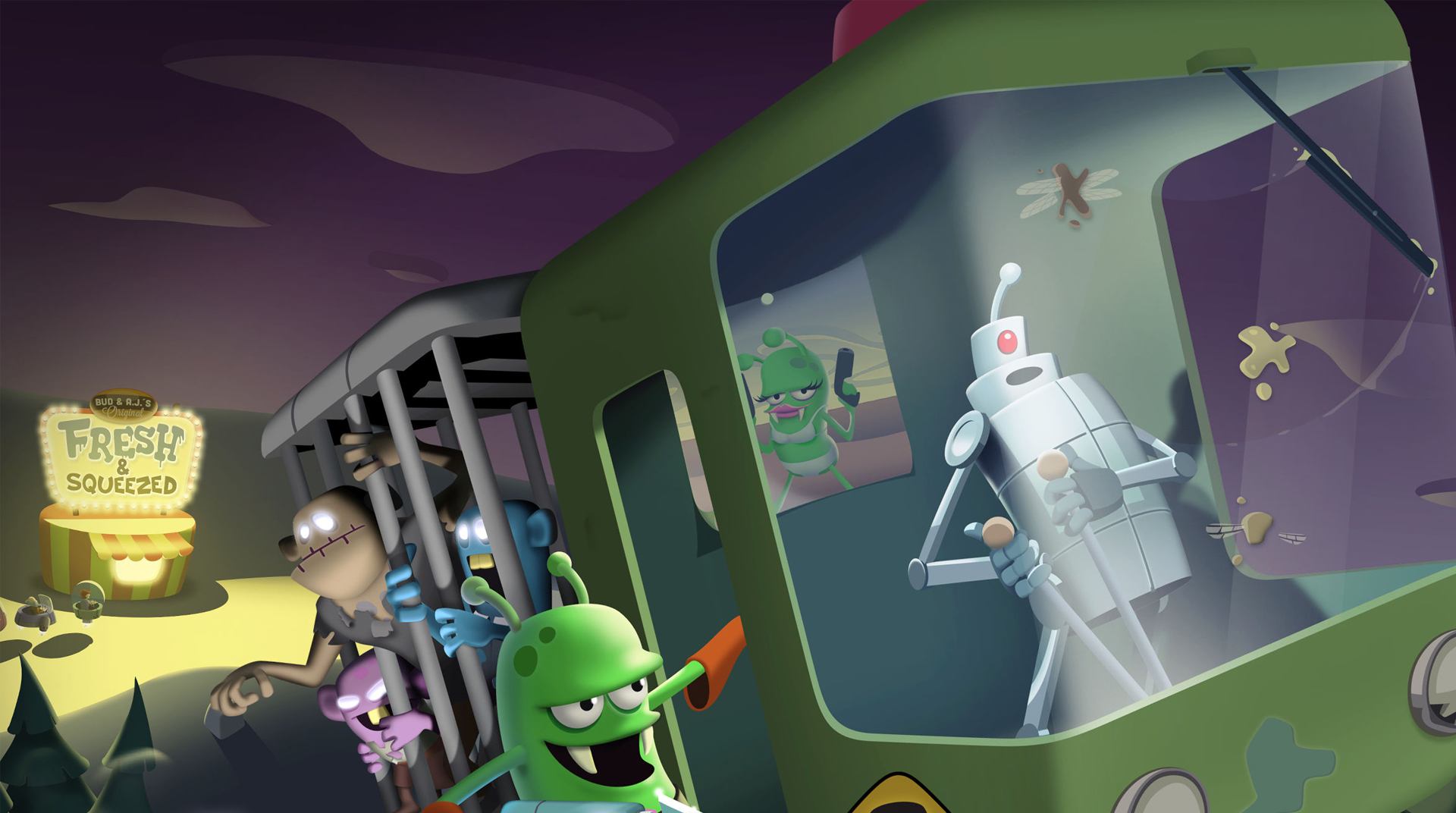
Zombie Catchers : Hunt & sell turns a zombie apocalypse into a weirdly cheerful business plan. You team up with two space entrepreneurs who clean up Earth the profitable way—by hunting the undead and turning them into crowd-pleasing snacks. It’s an Action mash‑up of arcade chasing and light management sim, and it feels great whether you’re pulling off perfect catches or tinkering with your factory lines. Prefer playing on a bigger screen? It runs smoothly with BlueStacks, too.

Game Features

  • Harpoon Hunts: Track sneaky zombies, reel them in with a harpoon, and use timing and aim to nail the perfect capture.
  • Gadget Loadout: Unlock nets, traps, jetpacks, and more tools that change how you stalk, chase, and corner each target.
  • Craft & Sell: Blend your catches into juices, candies, and oddball snacks, then serve customers at a speedy drive‑through.
  • Build the Empire: Research new recipes, expand production lines, and optimize workflows to keep profits flowing.
  • New Territories: Explore fresh zones packed with different zombie behaviors, layouts, and surprises to master.
  • Drone Dispatch: Send scouting drones to sniff out prime targets around the globe while you focus on the next hunt.
  • Airship Boss Fights: Lure out tough boss zombies and snag them mid‑air from your flying ship for big rewards.
  • Skill Ranks & Rewards: Hit flawless captures to climb the ranks and unlock goodies like plutonium and stylish outfits.
  • Underground Lab: Manage your secret lab, upgrade stations, and keep the whole operation humming behind the scenes.
  • Quick Challenges: Knock out bite‑size daily goals to stock up on useful resources.
  • Offline Friendly: Play anytime without an internet connection and keep the factory cooking.

Start playing Zombie Catchers : Hunt & sell on BlueStacks and get a smoother, more comfortable PC or Mac setup.


Game Features

Enhancements

  • Macros
  • Multi Instance
  • Multi Instance Sync
  • Script
  • Enhancements
Macros

Macros

Automate the predictable in Zombie Catchers : Hunt & sell and transform your gameplay with Macros. Get access to inventive Macros in the BlueStacks Macro Community
Multi Instance

Multi Instance

Play Zombie Catchers : Hunt & sell on one window. And chat with your friend on the other. Press CTRL + Shift + 8 to open the Multi-Instance Manager. And start creating fresh instances or clone an existing one.
Multi Instance Sync

Multi Instance Sync

Play Zombie Catchers : Hunt & sell with the power of Multi-Instance Sync. Replicate what you are doing on the main instance on all other instances. Level up faster, play more.
Script

Script

Script your way to gaming glory in Zombie Catchers : Hunt & sell with BlueStacks Script. Write and run a set of commands to automate repeated tasks. Trigger the command by assigning it to any key.
Read More

How to Download and Play Zombie Catchers : Hunt & sell on PC or Mac

  • Download and install BlueStacks on your PC or Mac

  • Complete Google sign-in to access the Play Store, or do it later

  • Look for Zombie Catchers : Hunt & sell in the search bar at the top right corner

  • Click to install Zombie Catchers : Hunt & sell from the search results

  • Complete Google sign-in (if you skipped step 2) to install Zombie Catchers : Hunt & sell

  • Click the Zombie Catchers : Hunt & sell icon on the home screen to start playing

video
Watch Video

Minimum System Requirements

With BlueStacks 5, you can get started on a PC that fulfills the following requirements.

  • Operating System

    Microsoft Windows 7 or above, macOS 11 (Big Sur) or above

  • Processor

    Intel, AMD or Apple Silicon Processor

  • RAM

    at least 4GB

  • HDD

    10GB Free Disk Space

Note:

* You must be an Administrator on your PC. Up to date graphics drivers from Microsoft or the chipset vendor.

Zombie Catchers : Hunt & sell - FAQs

  • How to play Zombie Catchers : Hunt & sell on Windows PC & Mac?

    Play Zombie Catchers : Hunt & sell on your PC or Mac by following these simple steps.

    • Click on 'Play Zombie Catchers : Hunt & sell on PC’ to download BlueStacks
    • Install it and log-in to Google Play Store
    • Launch and play the game.
  • Why is BlueStacks the fastest and safest platform to play games on PC?

    BlueStacks respects your privacy and is always safe and secure to use. It does not carry any malware, spyware, or any sort of additional software that could harm your PC.

    It is engineered to optimize speed and performance for a seamless gaming experience.

  • What are Zombie Catchers : Hunt & sell PC requirements?

    Minimum requirement to run Zombie Catchers : Hunt & sell on your PC

    • OS: Microsoft Windows 7 or above MacOS 11 (Big Sur) or above
    • Processor: Intel, AMD or Apple Silicon Processor
    • RAM: Your PC must have at least 4GB of RAM. (Note that having 4GB or more disk space is not a substitute for RAM)
    • HDD: 10GB Free Disk Space.
    • You must be an Administrator on your PC.