Grand Theft Auto: ViceCity

Grand Theft Auto: ViceCity

Arcade

| Rockstar Games

Play on PC with BlueStacks or from our cloud

  • Overview
  • Game Features
  • How to Play

Page Modified On: October 30, 2026

Play Grand Theft Auto: ViceCity on PC or Mac

Bring your A-game to Grand Theft Auto: ViceCity, the Arcade game sensation from Rockstar Games. Give your gameplay the much-needed boost with precise game controls, high FPS graphics, and top-tier features on your PC or Mac with BlueStacks.

About the Game

Grand Theft Auto: ViceCity drops you into a sun-soaked 1980s metropolis where swagger matters and every corner hides a hustle. It’s an Arcade take on open-world crime—loud, stylish, and packed with story-driven moments that let you climb the ladder your way. Want it on a bigger screen? It plays great on PC with BlueStacks, with smooth performance and flexible controls.

Game Features

  • Neon-soaked open world: Cruise from sandy shorelines to murky waterways, glossy high-rises to gritty alleys, and decide exactly how much chaos you’re in the mood for.
  • Story with attitude: Meet fast-talking fixers, shady partners, and unforgettable oddballs as cinematic missions push your climb to the top.
  • Polished visuals: Sharper textures, cleaner character models, and punchy lighting give the city that unmistakable ’80s glow.
  • Aim your way: Switch between firing and targeting styles, fine-tune sensitivity, and make shootouts feel natural.
  • Your controls, your layout: Rearrange and resize inputs to match your habits, or stick with a setup that just clicks.
  • Hours of crime capers: A hefty campaign, side gigs, collectibles, and street challenges keep you busy well past “one more mission.”
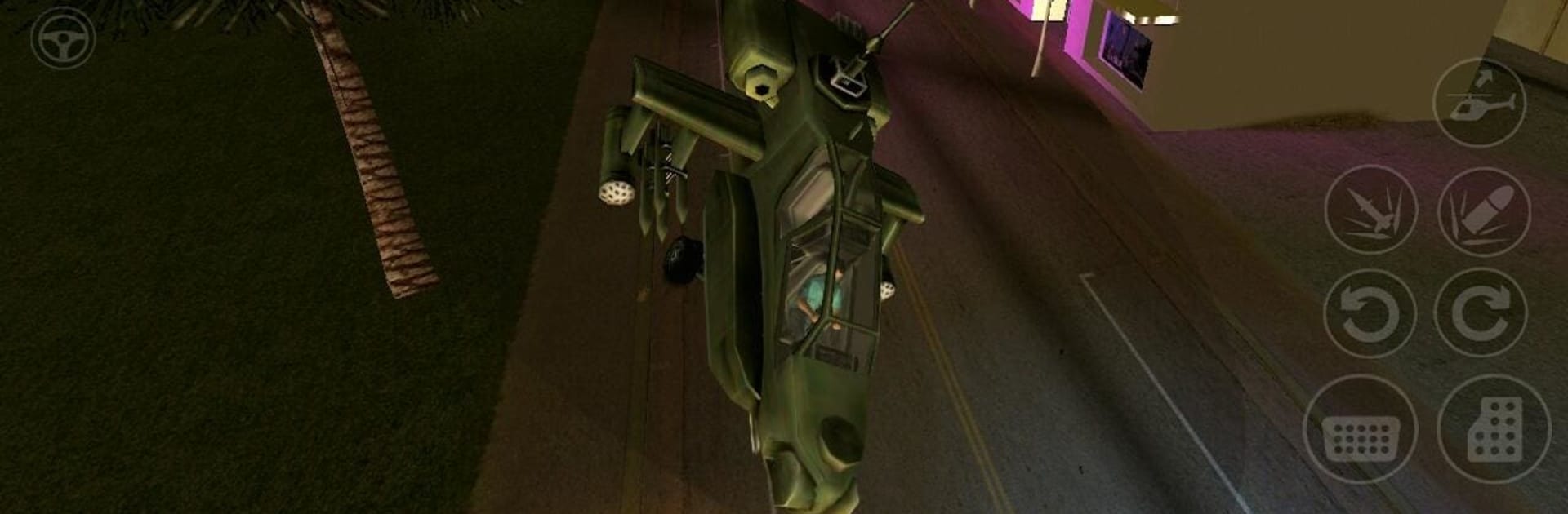
  • A garage full of rides: Hop on bikes, tear up roads in muscle cars, slice through water on speedboats, and take to the skies in choppers.
  • Tools of the trade: From quiet sidearms to heavy firepower, pick a loadout that fits your approach—loud, sneaky, or somewhere in between.
  • Graphics sliders: Tweak visual settings to balance clarity and performance based on your setup.
  • Feel the action: Vibration support adds extra punch to crashes, gunfights, and close-call getaways.
  • Language options: Play in English, French, Italian, German, Spanish, Korean, Russian, or Japanese.

Start your journey now. Download the game on BlueStacks, invite your friends, and march on a new adventure.


Game Features

Enhancements

  • Macros
  • Multi Instance
  • Multi Instance Sync
  • Script
  • Enhancements
Macros

Macros

Automate the predictable in Grand Theft Auto: ViceCity and transform your gameplay with Macros. Get access to inventive Macros in the BlueStacks Macro Community
Multi Instance

Multi Instance

Play Grand Theft Auto: ViceCity on one window. And chat with your friend on the other. Press CTRL + Shift + 8 to open the Multi-Instance Manager. And start creating fresh instances or clone an existing one.
Multi Instance Sync

Multi Instance Sync

Play Grand Theft Auto: ViceCity with the power of Multi-Instance Sync. Replicate what you are doing on the main instance on all other instances. Level up faster, play more.
Script

Script

Script your way to gaming glory in Grand Theft Auto: ViceCity with BlueStacks Script. Write and run a set of commands to automate repeated tasks. Trigger the command by assigning it to any key.
Read More

How to Download and Play Grand Theft Auto: ViceCity on PC or Mac

  • Download and install BlueStacks on your PC or Mac

  • Complete Google sign-in to access the Play Store, or do it later

  • Look for Grand Theft Auto: ViceCity in the search bar at the top right corner

  • Click to install Grand Theft Auto: ViceCity from the search results

  • Complete Google sign-in (if you skipped step 2) to install Grand Theft Auto: ViceCity

  • Click the Grand Theft Auto: ViceCity icon on the home screen to start playing

video
Watch Video

Minimum System Requirements

With BlueStacks 5, you can get started on a PC that fulfills the following requirements.

  • Operating System

    Microsoft Windows 7 or above, macOS 11 (Big Sur) or above

  • Processor

    Intel, AMD or Apple Silicon Processor

  • RAM

    at least 4GB

  • HDD

    10GB Free Disk Space

Note:

* You must be an Administrator on your PC. Up to date graphics drivers from Microsoft or the chipset vendor.

Grand Theft Auto: ViceCity - FAQs

  • How to play Grand Theft Auto: ViceCity on Windows PC & Mac?

    Play Grand Theft Auto: ViceCity on your PC or Mac by following these simple steps.

    • Click on 'Play Grand Theft Auto: ViceCity on PC’ to download BlueStacks
    • Install it and log-in to Google Play Store
    • Launch and play the game.
  • Why is BlueStacks the fastest and safest platform to play games on PC?

    BlueStacks respects your privacy and is always safe and secure to use. It does not carry any malware, spyware, or any sort of additional software that could harm your PC.

    It is engineered to optimize speed and performance for a seamless gaming experience.

  • What are Grand Theft Auto: ViceCity PC requirements?

    Minimum requirement to run Grand Theft Auto: ViceCity on your PC

    • OS: Microsoft Windows 7 or above MacOS 11 (Big Sur) or above
    • Processor: Intel, AMD or Apple Silicon Processor
    • RAM: Your PC must have at least 4GB of RAM. (Note that having 4GB or more disk space is not a substitute for RAM)
    • HDD: 10GB Free Disk Space.
    • You must be an Administrator on your PC.