Necro Survival
Necro Survival

Necro Survival

Casual

| Sugarscone

Play on PC with BlueStacks or from our cloud

  • Overview
  • Game Features
  • How to Play

Page Modified On: September 07, 2026

Play Necro Survival on PC or Mac

Necro Survival brings the Casual genre to life, and throws up exciting challenges for gamers. Developed by Sugarscone, this Android game is best experienced on BlueStacks, the World’s #1 app player for PC and Mac users.

About the Game

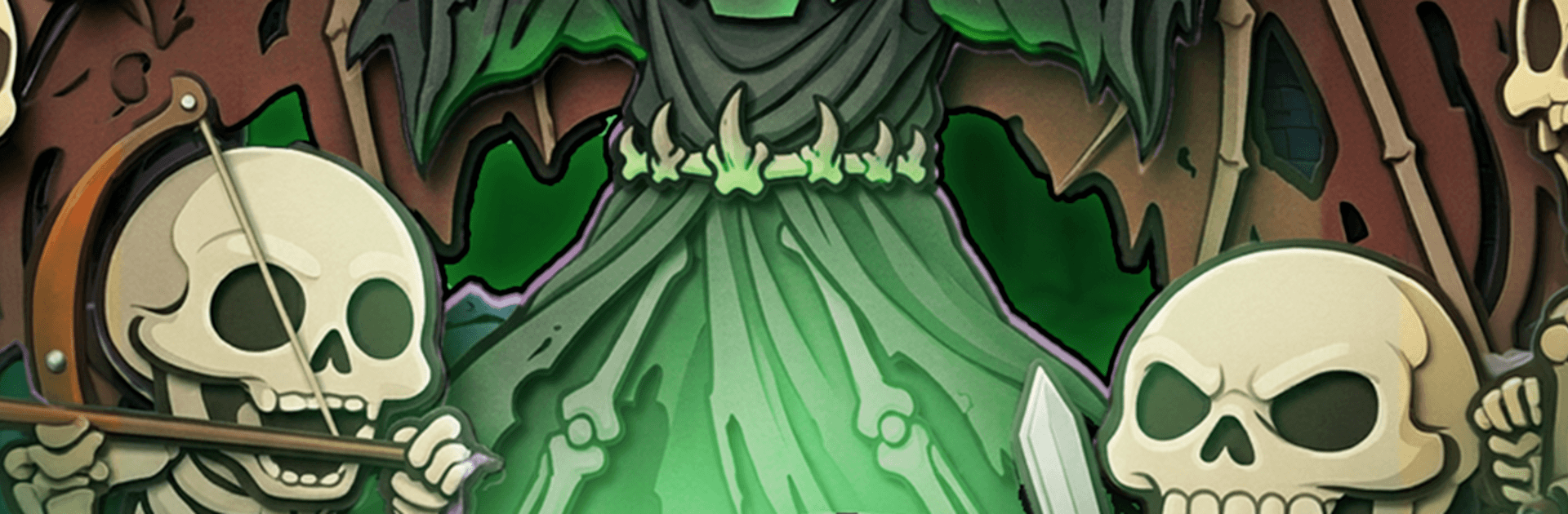
Necro Survival is a Casual arena-survivor where you play a worn-out necromancer who flips the script by turning fallen foes into your personal army. Runs start scrappy and hectic, then spiral into glorious chaos as your powers snowball and the screen fills with trouble. Prefer a bigger view and steady controls? It plays nicely on PC with BlueStacks, too.

Game Features

  • Raise the fallen: Every enemy you put down can be resurrected as a minion, so your “party of one” quickly becomes an ever-growing wall of bones, claws, and bad intentions.
  • Screen-wide swarms: Expect thousands of attackers at once—armored zealots, sneaky assassins, rival mages, and towering brutes—piling on until your plan (or panic) kicks in.
  • Build wild synergies: Collect souls during a run, pick from branching skills, morph spells, and mutate your undead to craft ridiculous combos that erase waves in seconds.
  • One-hand control, full-focus action: Movement is on you while attacks auto-fire, letting you dodge, kite, and funnel enemies into traps without juggling a dozen buttons.
  • Power that sticks: Between runs, pour your hard-earned loot into rebuilding a ruined citadel to unlock permanent boosts, new dark talents, and fresh starting summons that reshape your opening moments.

Start playing Necro Survival on BlueStacks and get a smoother, more comfortable PC or Mac setup.

Game Features

Enhancements

  • Macros
  • Multi Instance
  • Script
  • Repeated Tap
  • Enhancements
Macros

Macros

Automate the predictable in Necro Survival and transform your gameplay with Macros. Get access to inventive Macros in the BlueStacks Macro Community
Multi Instance

Multi Instance

Play Necro Survival on one window. And chat with your friend on the other. Press CTRL + Shift + 8 to open the Multi-Instance Manager. And start creating fresh instances or clone an existing one.
Script

Script

Script your way to gaming glory in Necro Survival with BlueStacks Script. Write and run a set of commands to automate repeated tasks. Trigger the command by assigning it to any key.
Repeated Tap

Repeated Tap

BlueStacks lets you master Necro Survival with useful features like the Repeated Tap. Now you do not have to press the same key repeatedly to initiate an action. Just assign it to one key and you are good to go.
Read More

How to Download and Play Necro Survival on PC or Mac

  • Download and install BlueStacks on your PC or Mac

  • Complete Google sign-in to access the Play Store, or do it later

  • Look for Necro Survival in the search bar at the top right corner

  • Click to install Necro Survival from the search results

  • Complete Google sign-in (if you skipped step 2) to install Necro Survival

  • Click the Necro Survival icon on the home screen to start playing

video
Watch Video

Minimum System Requirements

With BlueStacks 5, you can get started on a PC that fulfills the following requirements.

  • Operating System

    Microsoft Windows 7 or above, macOS 11 (Big Sur) or above

  • Processor

    Intel, AMD or Apple Silicon Processor

  • RAM

    at least 4GB

  • HDD

    10GB Free Disk Space

Note:

* You must be an Administrator on your PC. Up to date graphics drivers from Microsoft or the chipset vendor.

Necro Survival - FAQs

  • How to play Necro Survival on Windows PC & Mac?

    Play Necro Survival on your PC or Mac by following these simple steps.

    • Click on 'Play Necro Survival on PC’ to download BlueStacks
    • Install it and log-in to Google Play Store
    • Launch and play the game.
  • Why is BlueStacks the fastest and safest platform to play games on PC?

    BlueStacks respects your privacy and is always safe and secure to use. It does not carry any malware, spyware, or any sort of additional software that could harm your PC.

    It is engineered to optimize speed and performance for a seamless gaming experience.

  • What are Necro Survival PC requirements?

    Minimum requirement to run Necro Survival on your PC

    • OS: Microsoft Windows 7 or above MacOS 11 (Big Sur) or above
    • Processor: Intel, AMD or Apple Silicon Processor
    • RAM: Your PC must have at least 4GB of RAM. (Note that having 4GB or more disk space is not a substitute for RAM)
    • HDD: 10GB Free Disk Space.
    • You must be an Administrator on your PC.