Empires & Puzzles: Match-3 RPG

Empires & Puzzles: Match-3 RPG

Role Playing

| Small Giant Games

BlueStacks Verified

Play on PC with BlueStacks or from our cloud

  • Overview
  • Tips & Tricks
  • Game Features
  • How to Play

Page Modified On: April 09, 2026

Play Empires & Puzzles: Match-3 RPG on PC or Mac

Explore a whole new adventure with Empires & Puzzles: Match-3 RPG, a Puzzle game created by Small Giant Games. Experience great gameplay with BlueStacks, the most popular gaming platform to play Android games on your PC or Mac.

About the Game

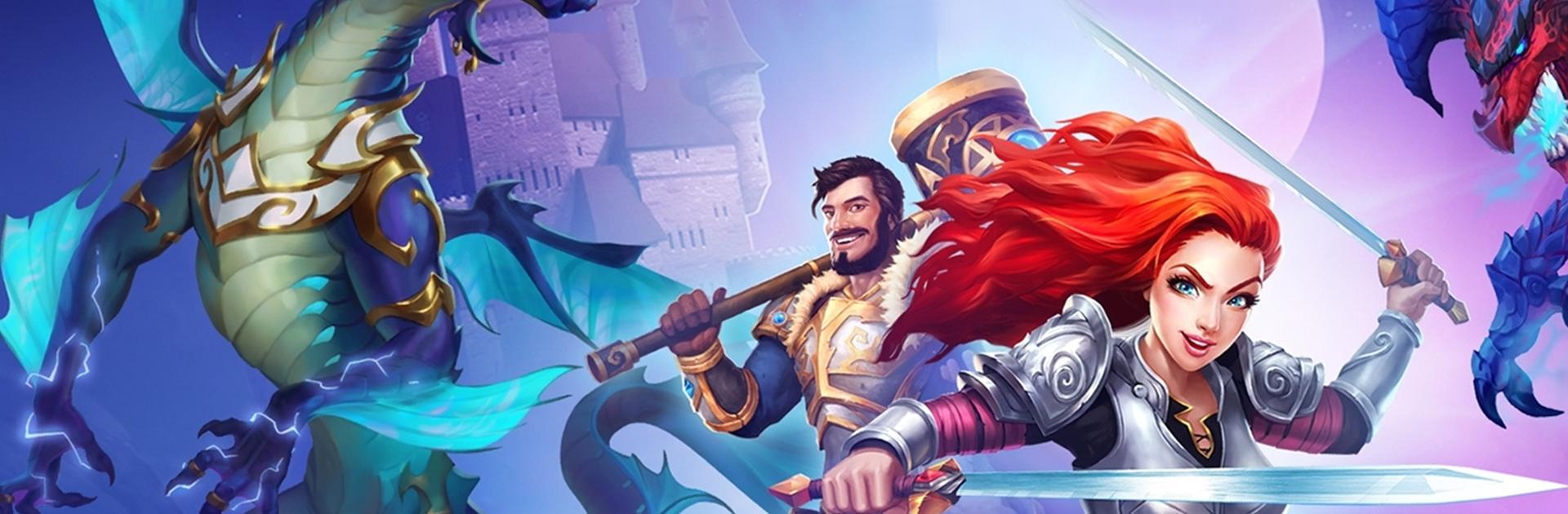
Empires & Puzzles: Match-3 RPG mixes fast, colorful tile-matching with hero strategy and a dash of castle management. You’re not just clearing boards—you’re firing off hero skills, picking smart targets, and building a team that can handle nasty bosses and crafty opponents. Made by Small Giant Games, it lives in the Puzzle genre but brings a surprising amount of RPG depth and long-term planning.

Game Features

  • Tactical match-3 combat: Match shields to hit enemies and charge your squad’s abilities, then time those bursts for big turnarounds. Smart cascades can shred tough bosses if you set them up right.
  • Big adventures, many seasons: Journey across multi-season story arcs and bite-sized quests, each with different enemy types, hazards, and rewards that keep your roster evolving.
  • Your castle, your rules: Restore a ruined fortress into a working base. Upgrade buildings, generate resources, research new tricks, and run alchemy to fuse useful items.
  • Crafting that matters: Hunt down rare materials—think hard-to-find bones and fragments—to forge gear and consumables that tilt tough encounters in your favor.
  • Heroes worth collecting: Pull from a huge pool of characters and troops, each with distinct stats and skills. Find synergies, experiment with lineups, and use costumes to push favorites even further.
  • Raids and large-scale wars: Test your defense in 1v1 raids, break into rival keeps for loot, and jump into massive Alliance wars where teamwork and board control decide the day.
  • Team up for titans: Join an Alliance to coordinate attacks on towering titans, share strategies, and cover each other during competitive events.
  • Striking fantasy style: Detailed creatures, punchy spell effects, and clean UI make every move feel impactful and readable.
  • Play your way: On-the-go on mobile, or on PC with BlueStacks if you prefer a bigger screen and comfy controls.

Get ready for a buttery smooth, high-performance gaming action only on BlueStacks.

Game Features

Game controls

  • Tap Spots

Enhancements

  • Macros
  • Rerolling
  • Eco Mode
  • Multi Instance Sync
  • Game controls
  • Enhancements
Tap Spots
Macros

Macros

Focus more on the fun part of the game, skip the tedious aspects. Master Empires & Puzzles: Match-3 RPG with Macros. Record yourself completing the monotonous tasks you wish to automate and replay them later with just one keypress.
Rerolling

Rerolling

Speed up the rerolling process in Empires & Puzzles: Match-3 RPG. Perform multiple summons and keep looking for the best Heroes. Use Multi-Instance sync to replicate the rerolling mechanism in all instances.
Eco Mode

Eco Mode

Farm in-game resources with ease in Empires & Puzzles: Match-3 RPG. Enable the Eco Mode when running the game in multiple instances. And lower your PC's resource consumption.
Multi Instance Sync

Multi Instance Sync

With the Multi-instance Sync, you can do even more in Empires & Puzzles: Match-3 RPG. Sync the action of the main instance and repeat them in real time for all other instances. Sync and sit back, let the game progress unfold.
Read More

How to Download and Play Empires & Puzzles: Match-3 RPG on PC or Mac

  • Download and install BlueStacks on your PC or Mac

  • Complete Google sign-in to access the Play Store, or do it later

  • Look for Empires & Puzzles: Match-3 RPG in the search bar at the top right corner

  • Click to install Empires & Puzzles: Match-3 RPG from the search results

  • Complete Google sign-in (if you skipped step 2) to install Empires & Puzzles: Match-3 RPG

  • Click the Empires & Puzzles: Match-3 RPG icon on the home screen to start playing

video
Watch Video

Minimum System Requirements

With BlueStacks 5, you can get started on a PC that fulfills the following requirements.

  • Operating System

    Microsoft Windows 7 or above, macOS 11 (Big Sur) or above

  • Processor

    Intel, AMD or Apple Silicon Processor

  • RAM

    at least 4GB

  • HDD

    10GB Free Disk Space

Note:

* You must be an Administrator on your PC. Up to date graphics drivers from Microsoft or the chipset vendor.

Empires & Puzzles: Match-3 RPG - FAQs

  • How to play Empires & Puzzles: Match-3 RPG on Windows PC & Mac?

    Play Empires & Puzzles: Match-3 RPG on your PC or Mac by following these simple steps.

    • Click on 'Play Empires & Puzzles: Match-3 RPG on PC’ to download BlueStacks
    • Install it and log-in to Google Play Store
    • Launch and play the game.
  • Why is BlueStacks the fastest and safest platform to play games on PC?

    BlueStacks respects your privacy and is always safe and secure to use. It does not carry any malware, spyware, or any sort of additional software that could harm your PC.

    It is engineered to optimize speed and performance for a seamless gaming experience.

  • What are Empires & Puzzles: Match-3 RPG PC requirements?

    Minimum requirement to run Empires & Puzzles: Match-3 RPG on your PC

    • OS: Microsoft Windows 7 or above MacOS 11 (Big Sur) or above
    • Processor: Intel, AMD or Apple Silicon Processor
    • RAM: Your PC must have at least 4GB of RAM. (Note that having 4GB or more disk space is not a substitute for RAM)
    • HDD: 10GB Free Disk Space.
    • You must be an Administrator on your PC.