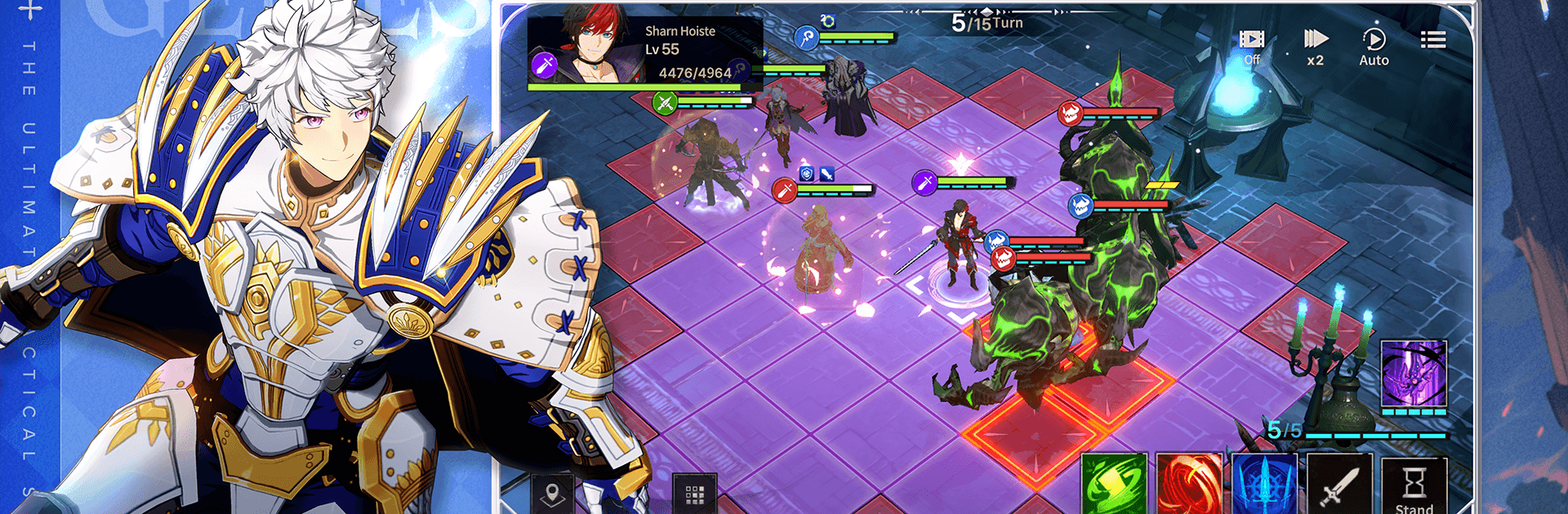


Join millions to experience Genesis War, an exciting Role Playing game from LINE Games. With BlueStacks App Player, you are always a step ahead of your opponent, ready to outplay them with faster gameplay and better control with the mouse and keyboard on your PC or Mac.
About the Game
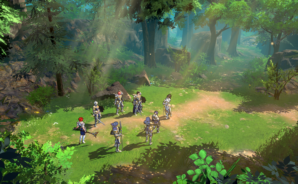
Genesis War is a tactical Role Playing saga that blends thoughtful strategy with big, character-driven drama. You’ll march across battle-scarred Antaria with Princess Iyolin as she fights to reclaim Pandragon from the iron grip of the Geysir Empire—only to run into truths she never saw coming. It’s a 90s-born strategy classic rebuilt for today, with modern visuals, crisp controls, and story moments that actually land.
Game Features
- A legend, refreshed: A beloved SRPG returns with a clean, modern look and a cinematic feel that respects the original while pushing it forward.
- Story with real stakes: Follow Iyolin and a memorable cast through a long-form campaign full of hard choices, shifting fronts, and the kind of reveals that make you rethink everything.
- Fully voiced performances: Major scenes feature voice acting that gives Iyolin, G.S., Lacid, and others real presence, turning battles into personal moments.
- Build your warband: Recruit 70+ characters and craft squads that fit your playstyle, then take them through 300+ hand-crafted stages.
- Strategy that rewards brains: Lean into elemental strengths and unit advantages to outthink enemy squads, crack tough encounters, and turn desperate fights around.
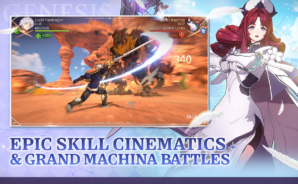
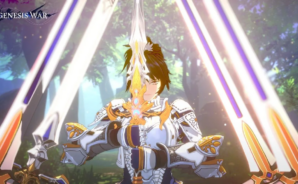
- Signature skills that pop: Drop screen-shaking abilities like Blizzard Storm and World Breaker when it counts, and watch the tide swing.
- Modes beyond the campaign: Chase tougher tests in Tomb of the Brave, jump into Battles, and face off in Machina Wars when you want a different kind of challenge.
- Play where you like: On mobile, or on a bigger display with BlueStacks if you prefer a keyboard and more room to plan your moves.
Slay your opponents with your epic moves. Play it your way on BlueStacks and dominate the battlefield.