StarSavior
StarSavior

StarSavior

Role Playing

| STUDIOBSIDE

Play on PC with BlueStacks or from our cloud

  • Overview
  • Tips & Tricks
  • Game Features
  • How to Play

Page Modified On: June 08, 2026

Play StarSavior on PC or Mac

StarSavior brings the Role Playing genre to life, and throws up exciting challenges for gamers. Developed by STUDIOBSIDE, this Android game is best experienced on BlueStacks, the World’s #1 app player for PC and Mac users.

About the Game

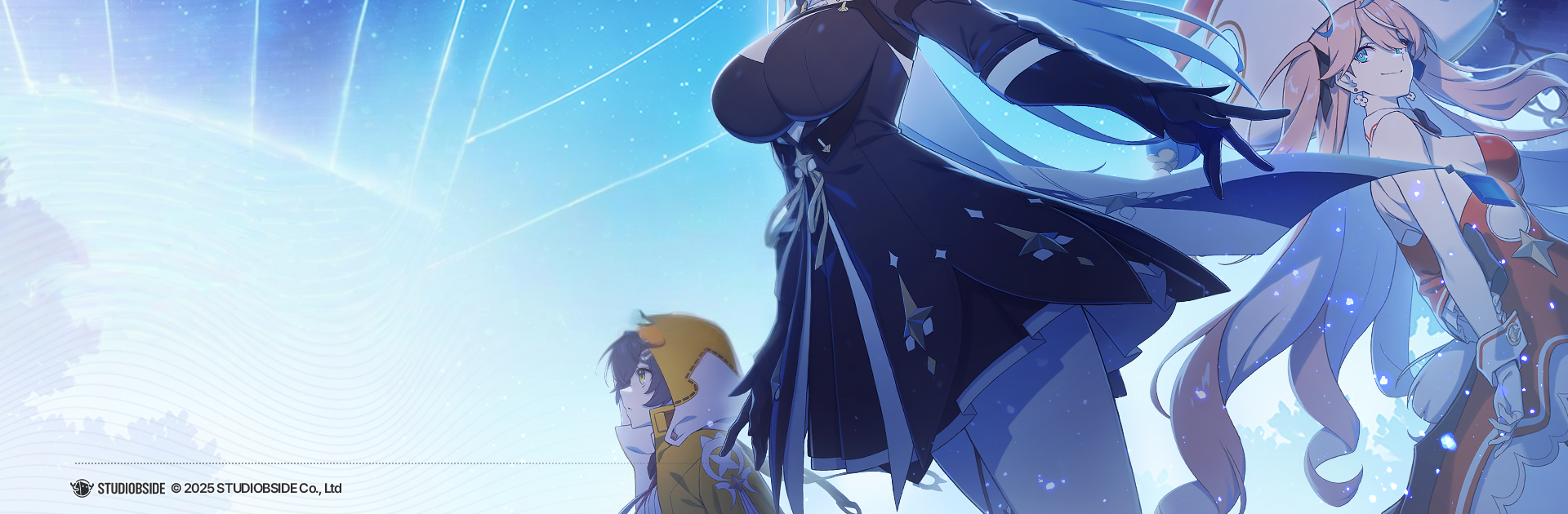
StarSavior is a Role-playing adventure from STUDIOBSIDE where the stars are going dark and you’re asked to lead the comeback. You step in as the commander of a squad of star‑chosen heroines, taking them through a sacred trial to claim the strength once wielded by a fallen legend—expect smart, turn-based combat wrapped in an emotional, time-tangling story. Prefer a bigger screen? It plays smoothly on PC with BlueStacks.

Game Features

  • Lead the Corps: Guide a team of “Saviors,” mentor their growth, and earn their trust as you shape them into a unit that can shoulder the galaxy’s fate.
  • Strategy, Turn by Turn: Every fight rewards planning—time your skills, play to elemental strengths, and read enemy patterns to come out on top.
  • The Journey Returns: Tackle a rite that tests skill and resolve, with stages that push you to rethink formations and skill orders.
  • Build Real Connections: Conversations and shared moments aren’t just fluff; deepening bonds unlocks scenes, perks, and new ways your team works together.
  • Your Party, Your Plan: Mix roles and specialties to craft squads for bosses, expeditions, and anything the campaign throws at you—swap tactics when the field changes.
  • A Cosmic Tale With Consequences: Follow the path left by the first savior and uncover threads that weave past choices into looming futures.
  • Animated Art Meets 3D: Characters come to life with expressive, animated illustrations, while flashy ultimates and episodes play out in crisp, vibrant 3D.

Make your gaming sessions memorable with precise controls that give you an edge in close combats and visuals that pop up, bringing every character to life.

What’s New?

Discover new experiences in the latest update with the addition of the Half-Anniversary Event, featuring an exciting new event story. Meet a brand new character and explore their unique Arcana. Check out the fresh lineup of new products now available.


Game Features

Enhancements

  • Macros
  • Rerolling
  • Eco Mode
  • Multi Instance Sync
  • Enhancements
Macros

Macros

Focus more on the fun part of the game, skip the tedious aspects. Master StarSavior with Macros. Record yourself completing the monotonous tasks you wish to automate and replay them later with just one keypress.
Rerolling

Rerolling

Speed up the rerolling process in StarSavior. Perform multiple summons and keep looking for the best Heroes. Use Multi-Instance sync to replicate the rerolling mechanism in all instances.
Eco Mode

Eco Mode

Farm in-game resources with ease in StarSavior. Enable the Eco Mode when running the game in multiple instances. And lower your PC's resource consumption.
Multi Instance Sync

Multi Instance Sync

With the Multi-instance Sync, you can do even more in StarSavior. Sync the action of the main instance and repeat them in real time for all other instances. Sync and sit back, let the game progress unfold.
Read More

How to Download and Play StarSavior on PC or Mac

  • Download and install BlueStacks on your PC or Mac

  • Complete Google sign-in to access the Play Store, or do it later

  • Look for StarSavior in the search bar at the top right corner

  • Click to install StarSavior from the search results

  • Complete Google sign-in (if you skipped step 2) to install StarSavior

  • Click the StarSavior icon on the home screen to start playing

video
Watch Video

Minimum System Requirements

With BlueStacks 5, you can get started on a PC that fulfills the following requirements.

  • Operating System

    Microsoft Windows 7 or above, macOS 11 (Big Sur) or above

  • Processor

    Intel, AMD or Apple Silicon Processor

  • RAM

    at least 4GB

  • HDD

    10GB Free Disk Space

Note:

* You must be an Administrator on your PC. Up to date graphics drivers from Microsoft or the chipset vendor.

StarSavior - FAQs

  • How to play StarSavior on Windows PC & Mac?

    Play StarSavior on your PC or Mac by following these simple steps.

    • Click on 'Play StarSavior on PC’ to download BlueStacks
    • Install it and log-in to Google Play Store
    • Launch and play the game.
  • Why is BlueStacks the fastest and safest platform to play games on PC?

    BlueStacks respects your privacy and is always safe and secure to use. It does not carry any malware, spyware, or any sort of additional software that could harm your PC.

    It is engineered to optimize speed and performance for a seamless gaming experience.

  • What are StarSavior PC requirements?

    Minimum requirement to run StarSavior on your PC

    • OS: Microsoft Windows 7 or above MacOS 11 (Big Sur) or above
    • Processor: Intel, AMD or Apple Silicon Processor
    • RAM: Your PC must have at least 4GB of RAM. (Note that having 4GB or more disk space is not a substitute for RAM)
    • HDD: 10GB Free Disk Space.
    • You must be an Administrator on your PC.