Junk Hero
Junk Hero

Junk Hero

Role Playing

| SUPERBOX Inc

Play on PC with BlueStacks or from our cloud

Click here to Pre-Register for Junk Hero
  • Overview
  • Features
  • How to Play

Page Modified On: June 18, 2026

Play Junk Hero on PC or Mac

Junk Hero brings the Role Playing genre to life, and throws up exciting challenges for gamers. Developed by SUPERBOX Inc, this Android game is best experienced on BlueStacks, the World’s #1 app player for PC and Mac users.

About the Game

Junk Hero is a crafting-first Role Playing game where the end of the world starts with… a rock. You’ll scavenge scrap, build wild gear, and turn a scrappy survivor into a walking arsenal that can shred zombie swarms. It plays great on mobile, and if you like a bigger screen and keyboard controls, it also feels right at home on BlueStacks.

Game Features

  • Crunchy hack-and-slash combat: Rip through endless waves of undead with responsive controls and punchy hits that get flashier as your weapons improve.

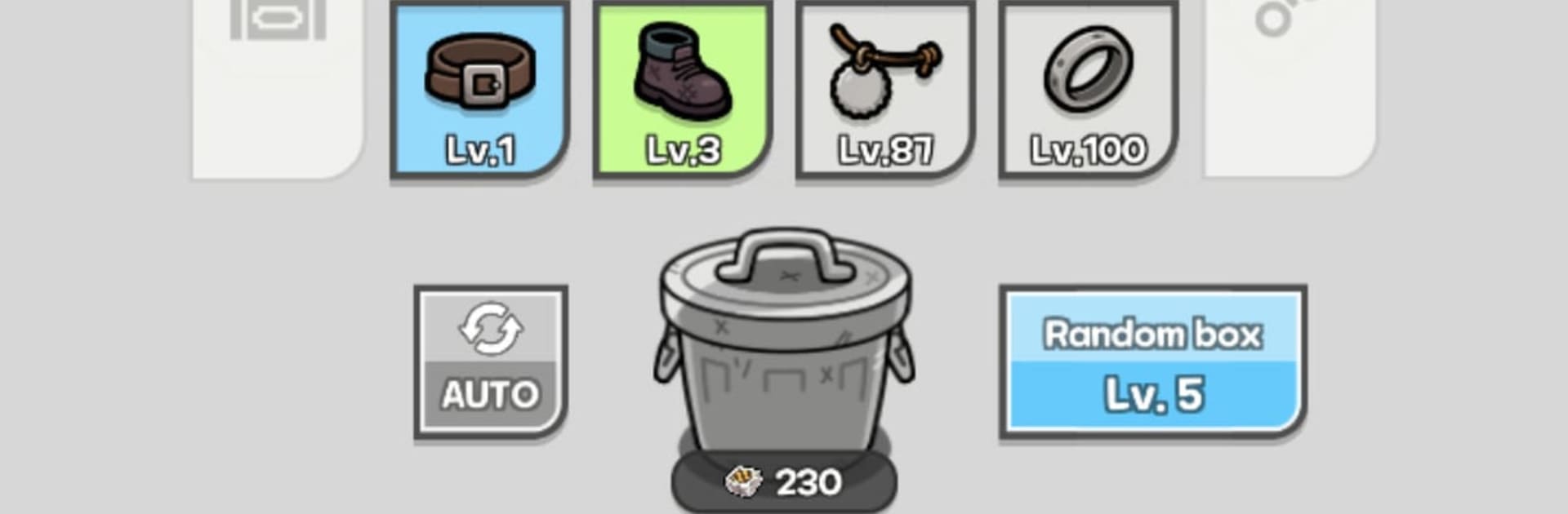
  • Crafting over luck: Skip the loot-box drama. Every piece of equipment is made at the Workbench, then sold, upgraded, and refined by you.

  • Workbench upgrades that matter: Level up the Workbench to unlock stronger blueprints—watch your toolkit evolve from a lonely stone to chainsaws and even sleek laser hardware.

  • Build your perfect setup: Stack stats like crit chance, attack speed, lifesteal, and more to create a powerhouse loadout that fits your style.

  • Visual evolution with power: Progress isn’t just numbers. As your gear tier rises, your hero’s look changes too, stepping into slick, high-tech armor that screams “commander.”

  • Head-to-head Arena fights: Test your favorite build in tense 1v1 PvP, push into higher tiers, and prove your mettle against real opponents.

  • Team up in clans: Join forces with others, coordinate strategies for clan wars, and chase collective goals for bragging rights and solid perks.

  • Always moving forward: Progress keeps ticking even when you’re offline, so you can hop back in, grab your haul, and keep pushing without the grind getting in the way.

Start playing Junk Hero on BlueStacks and get a smoother, more comfortable PC or Mac setup.

Features

  • Macros

    Focus more on the fun part of the game, skip the tedious aspects. Master Junk Hero with Macros. Record yourself completing the monotonous tasks you wish to automate and replay them later with just one keypress.

  • Rerolling

    Speed up the rerolling process in Junk Hero. Perform multiple summons and keep looking for the best Heroes. Use Multi-Instance sync to replicate the rerolling mechanism in all instances.

  • Eco Mode

    Farm in-game resources with ease in Junk Hero. Enable the Eco Mode when running the game in multiple instances. And lower your PC's resource consumption.

  • Multi Instance Sync

    With the Multi-instance Sync, you can do even more in Junk Hero. Sync the action of the main instance and repeat them in real time for all other instances. Sync and sit back, let the game progress unfold.

How to Download and Play Junk Hero on PC or Mac

  • Download and install BlueStacks on your PC or Mac

  • Complete Google sign-in to access the Play Store, or do it later

  • Look for Junk Hero in the search bar at the top right corner

  • Click to install Junk Hero from the search results

  • Complete Google sign-in (if you skipped step 2) to install Junk Hero

  • Click the Junk Hero icon on the home screen to start playing

video
Watch Video

Minimum System Requirements

With BlueStacks 5, you can get started on a PC that fulfills the following requirements.

  • Operating System

    Microsoft Windows 7 or above, macOS 11 (Big Sur) or above

  • Processor

    Intel, AMD or Apple Silicon Processor

  • RAM

    at least 4GB

  • HDD

    10GB Free Disk Space

Note:

* You must be an Administrator on your PC. Up to date graphics drivers from Microsoft or the chipset vendor.

Exclusive Gaming Content. And More.

Get the latest updates on the BlueStacks Blog.

See More
Junk Hero

Be among the first to play Junk Hero on PC

Get notified when the Game launches

Junk Hero - FAQs

  • How to play Junk Hero on Windows PC & Mac?

    Play Junk Hero on your PC or Mac by following these simple steps.

    • Click on 'Play Junk Hero on PC’ to download BlueStacks
    • Install it and log-in to Google Play Store
    • Launch and play the game.
  • Why is BlueStacks the fastest and safest platform to play games on PC?

    BlueStacks respects your privacy and is always safe and secure to use. It does not carry any malware, spyware, or any sort of additional software that could harm your PC.

    It is engineered to optimize speed and performance for a seamless gaming experience.

  • What are Junk Hero PC requirements?

    Minimum requirement to run Junk Hero on your PC

    • OS: Microsoft Windows 7 or above MacOS 11 (Big Sur) or above
    • Processor: Intel, AMD or Apple Silicon Processor
    • RAM: Your PC must have at least 4GB of RAM. (Note that having 4GB or more disk space is not a substitute for RAM)
    • HDD: 10GB Free Disk Space.
    • You must be an Administrator on your PC.