Animals Brainrot: Playground

Animals Brainrot: Playground

Simulation

| Q8Power

Play on PC with BlueStacks or from our cloud

  • Overview
  • Game Features
  • How to Play

Page Modified On: October 23, 2026

Play Animals Brainrot: Playground on PC or Mac

Animals Brainrot: Playground brings the Simulation genre to life, and throws up exciting challenges for gamers. Developed by Q8Power, this Android game is best experienced on BlueStacks, the World’s #1 app player for PC and Mac users.

About the Game

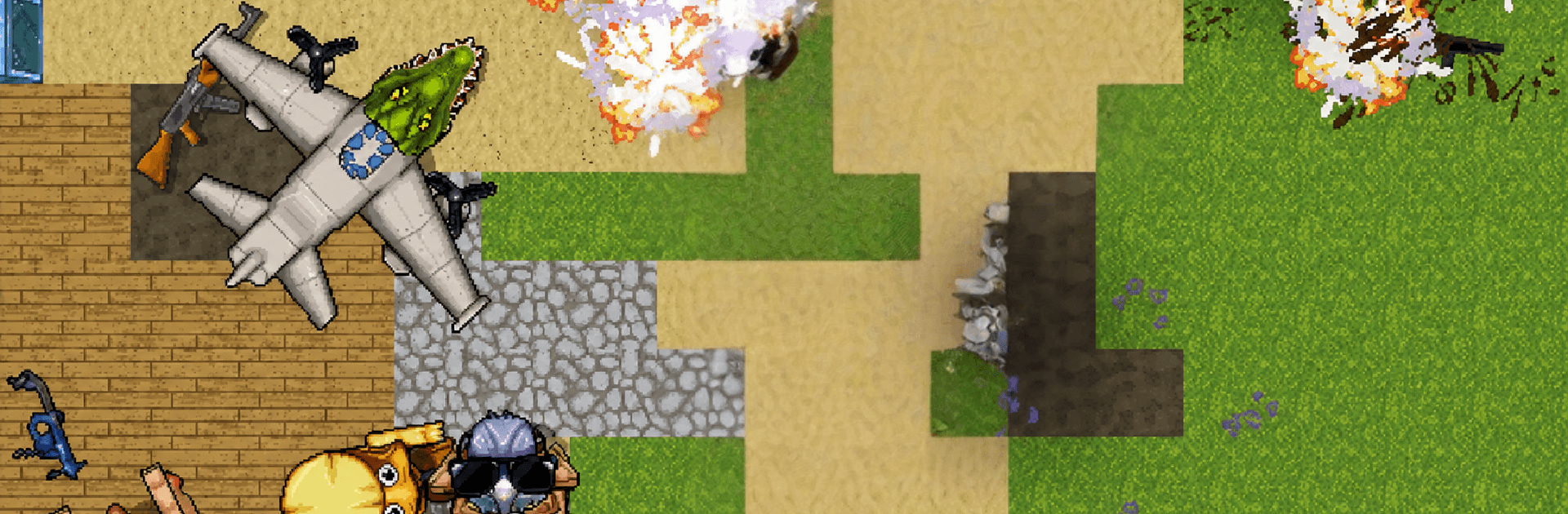
Animals Brainrot: Playground is a freeform Simulation where your wild ideas run the show. You drop in a bunch of unhinged critters, toss around props, and watch ridiculous physics turn tiny tweaks into big, messy chain reactions. There aren’t missions or strict rules—just a bright 3D toybox built for experiments, goofy brawls, and “wait, did that just happen?” moments. Prefer a bigger screen and comfy controls? It plays smoothly on BlueStacks, too.

Game Features

  • Build-your-own arena: Place animals, props, and oddball objects to craft scenes that range from cute chaos to full-on bedlam.
  • Physics you can poke: Grab, throw, stack, and smash—everything reacts with cartoonish logic that loves to surprise you.
  • Unpredictable animal antics: Let the brainrot crew chase, collide, and improvise slapstick moments you couldn’t script if you tried.
  • Make your own battles: Set up silly matchups, see how they spiral, then tweak the scene and try a totally different approach.
  • Quick-spawn tools: Pop in characters or rearrange objects in seconds so the action never stalls.
  • No strict rules: There’s no checklist—experiment, break stuff, and follow your curiosity.
  • Colorful 3D toybox: Bright, clean environments make it easy to track the mayhem as it unfolds.
  • Easy, low-stress controls: Simple to pick up, comfy for quick laughs or longer tinkering sessions.
  • Endless combos to test: Mix elements in weird ways to uncover new interactions and fresh, funny outcomes.

Get ready for a buttery smooth, high-performance gaming action only on BlueStacks.

Game Features

Enhancements

  • Macros
  • Multi Instance
  • Multi Instance Sync
  • Script
  • Enhancements
Macros

Macros

Automate the predictable in Animals Brainrot: Playground and transform your gameplay with Macros. Get access to inventive Macros in the BlueStacks Macro Community
Multi Instance

Multi Instance

Play Animals Brainrot: Playground on one window. And chat with your friend on the other. Press CTRL + Shift + 8 to open the Multi-Instance Manager. And start creating fresh instances or clone an existing one.
Multi Instance Sync

Multi Instance Sync

Play Animals Brainrot: Playground with the power of Multi-Instance Sync. Replicate what you are doing on the main instance on all other instances. Level up faster, play more.
Script

Script

Script your way to gaming glory in Animals Brainrot: Playground with BlueStacks Script. Write and run a set of commands to automate repeated tasks. Trigger the command by assigning it to any key.
Read More

How to Download and Play Animals Brainrot: Playground on PC or Mac

  • Download and install BlueStacks on your PC or Mac

  • Complete Google sign-in to access the Play Store, or do it later

  • Look for Animals Brainrot: Playground in the search bar at the top right corner

  • Click to install Animals Brainrot: Playground from the search results

  • Complete Google sign-in (if you skipped step 2) to install Animals Brainrot: Playground

  • Click the Animals Brainrot: Playground icon on the home screen to start playing

video
Watch Video

Minimum System Requirements

With BlueStacks 5, you can get started on a PC that fulfills the following requirements.

  • Operating System

    Microsoft Windows 7 or above, macOS 11 (Big Sur) or above

  • Processor

    Intel, AMD or Apple Silicon Processor

  • RAM

    at least 4GB

  • HDD

    10GB Free Disk Space

Note:

* You must be an Administrator on your PC. Up to date graphics drivers from Microsoft or the chipset vendor.

Animals Brainrot: Playground - FAQs

  • How to play Animals Brainrot: Playground on Windows PC & Mac?

    Play Animals Brainrot: Playground on your PC or Mac by following these simple steps.

    • Click on 'Play Animals Brainrot: Playground on PC’ to download BlueStacks
    • Install it and log-in to Google Play Store
    • Launch and play the game.
  • Why is BlueStacks the fastest and safest platform to play games on PC?

    BlueStacks respects your privacy and is always safe and secure to use. It does not carry any malware, spyware, or any sort of additional software that could harm your PC.

    It is engineered to optimize speed and performance for a seamless gaming experience.

  • What are Animals Brainrot: Playground PC requirements?

    Minimum requirement to run Animals Brainrot: Playground on your PC

    • OS: Microsoft Windows 7 or above MacOS 11 (Big Sur) or above
    • Processor: Intel, AMD or Apple Silicon Processor
    • RAM: Your PC must have at least 4GB of RAM. (Note that having 4GB or more disk space is not a substitute for RAM)
    • HDD: 10GB Free Disk Space.
    • You must be an Administrator on your PC.